
Junos Pulse is a VPN client application from Juniper Networks that allows you to access protected network resources from your Apple iOS mobile device.
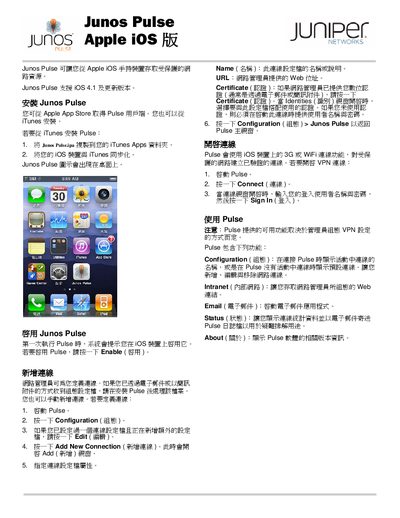
This manual explains how to obtain Junos Pulse from the Apple App Store or iTunes, install it on an iOS device, and enable the application for the first time. It also describes how network administrators can define VPN connections and how users can add, edit, or delete them.
The guide covers the main functions of Junos Pulse, including Configuration, Intranet access, Email, Status monitoring, and About information, as well as troubleshooting steps such as viewing email logs and status details. This manual is written in Chinese.
| Supported iOS version | iOS 4.1 and later |
|---|
You can download Junos Pulse from the Apple App Store or copy it to the device via iTunes and install it there.
When you launch Pulse for the first time, the system will prompt you to enable the application; tap the Enable button.
Select the Status screen in Pulse to see connection statistics and, if needed, email the log for troubleshooting.