
ViewSonic PJ500/PJ550 PJ501/PJ551 User Guide, introduces the product features, usage methods, maintenance, troubleshooting and other information of ViewSonic PJ500/PJ550/PJ501/PJ551 projector
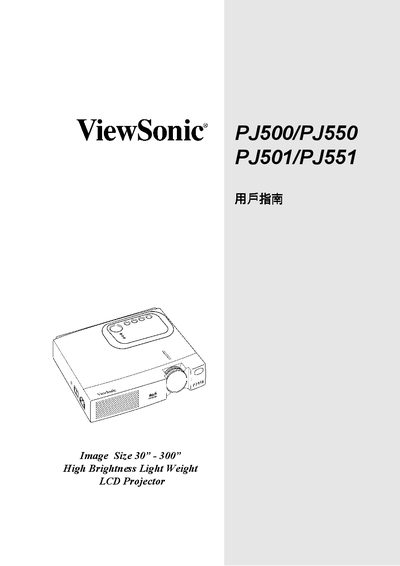
The manual provides setup, operation, and maintenance instructions for the ViewSonic PJ500, PJ550, PJ501 and PJ551 LCD projectors. It describes the projector’s image size range, brightness, weight, and key features such as high brightness and lightweight design.
Connection options, power requirements, lamp information, and menu controls are detailed, along with safety guidelines and troubleshooting tips. The document also lists technical specifications and part numbers for accessories.
| Image size range | 30" – 300" |
|---|---|
| Projector type | LCD |
| Brightness | High |
| SVGA input | PJ500/P.J3501 |
| XGA input | PJ350/PJ351 |
| Video inputs | RGB, RCA, S-Video, PS/2, VGA |
| Power rating | #8787 |
| Cable gauge (16 AWG) | 12 A |
| Cable gauge (14 AWG) | 12 A |
The projector can display images from 30 inches up to 300 inches.