
This document is the user manual for ASUS computer P2-PH1/AS-D360/AS-D250®2, which describes all the parts, accessories, and software of the product.
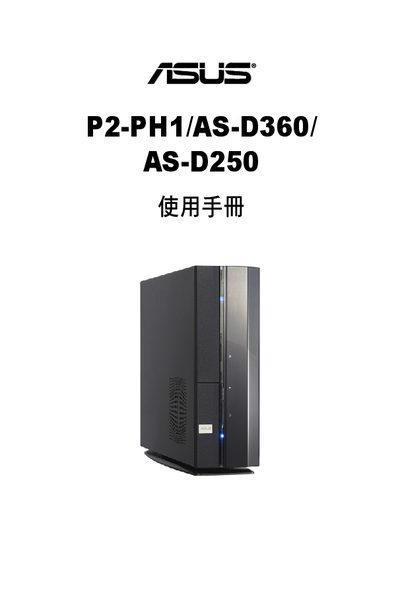
This manual provides step‑by‑step instructions for assembling, installing, and operating the ASUS P2‑PH1/AS‑D360/AS‑D250 desktop computer. It includes detailed diagrams of the front and rear panels, internal components, and guidance for installing CPUs, memory, storage, and expansion cards.
The guide also contains safety precautions, troubleshooting tips, and a recovery CD procedure to restore the system to factory settings. Contact information for ASUS technical support is provided at the end of the document. This manual is written in Chinese.
| Operating temperature | 40 °C |
|---|
Insert the first recovery CD, press F8 to boot from the CD drive, then follow the on‑screen prompts.
Unplug the power cord from the outlet before moving the computer.
The computer is rated for an operating temperature up to 40 °C.