
Mobile PhoneTools ASUS installation manual, introduces the use of the software product, including the minimum system requirements, installation steps, usage instructions, etc.
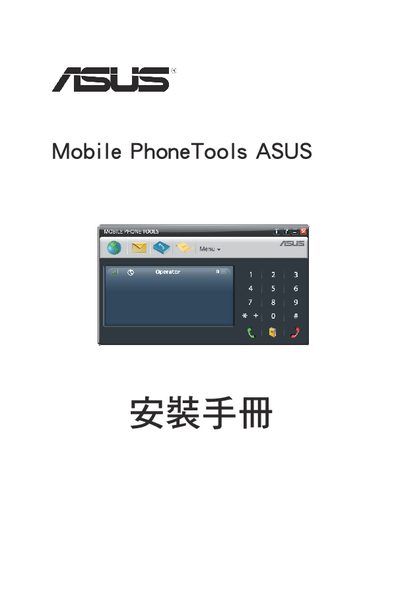
The document provides step‑by‑step instructions for installing Mobile PhoneTools ASUS on a Windows computer, including required system specifications and how to start the program after installation. It also describes how to register the software online for updates.
Additional sections cover how to remove the utility, basic usage such as sending/receiving SMS, managing the phonebook, and a list of quick‑key shortcuts for common functions. This manual is written in Chinese.
| Minimum CPU | Pentium II 460 MHz |
|---|---|
| Minimum Disk Space | 40 MB |
| Minimum RAM (XP) | 256 MB |
| Minimum RAM (Vista) | 512 MB |