
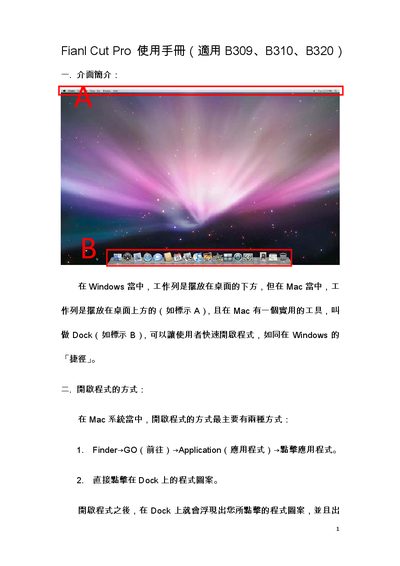
The manual explains how to launch Final Cut Pro on both macOS and Windows, describes the layout of the workspace, and lists useful keyboard shortcuts such as Command+Q to quit and Command+W to close windows. It also covers how programs share the same Dock and how to switch between applications.
Further sections detail Scratch Disk settings, export options (including NTSC/DV and HDV formats), and important notes on system requirements, external drive formatting (FAT32), and version compatibility with Final Cut Studio 2. This manual is written in Chinese.
| Minimum allowable free space on scratch disks | Z047 MB |
|---|
Press Command + Q to quit the program.
Select NTSC as the format and choose DV‑NTSC in the Use options.
The drive must be formatted as FAT32.