
The 10Moons TV Master User Manual provides setup, hardware installation, software operation, and troubleshooting instructions for the TV Master device.
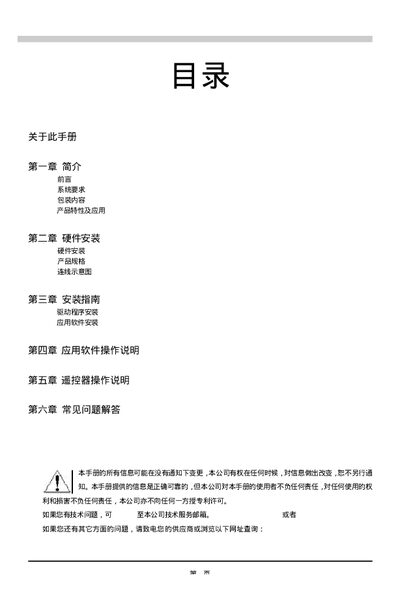
This manual introduces the 10Moons TV Master, covering product overview, hardware installation, and required system specifications. It explains how to connect the device via PCI 2.1, install drivers, and configure video capture settings.
The guide also details software operation, including supported Windows versions, DirectX requirements, video capture formats, and common troubleshooting steps such as resetting the device or adjusting video settings. This manual is written in Chinese.
| Supported Operating Systems | Windows 98 SE/Me/2000/XP |
|---|---|
| CPU Requirement | Intel Pentium III 500 MHz, AMD Athlon 700 MHz |
| Supported Video Capture Formats | MPEG‑1, MPEG‑2, VCD, DVD |
The TV Master works with Windows 98 SE, Windows Me, Windows 2000, and Windows XP.
A PCI 2.1 slot, Intel Pentium III 500 MHz or AMD Athlon 700 MHz CPU, 128 MB RAM, and at least 10 MB of free disk space are required.
Select the WDM Video Capture source from the AV Source menu, then use the Snapshot or Recording functions to capture video.
Use the Video Settings menu to change resolution, display mode, and other video parameters.