
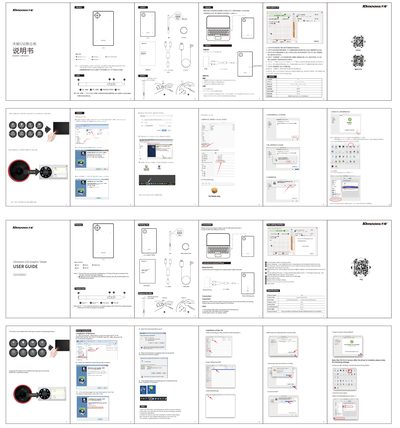
This manual explains how to install the required drivers on Windows and macOS, connect the tablet to a computer or Android phone via OTG, and configure system permissions. It also covers basic operation such as canvas zoom, rotation, brush size adjustment, and left‑hand drawing mode.
A FAQ section answers common issues, including driver installation verification, enabling left‑hand drawing, and troubleshooting OTG connectivity. Contact information for further support is provided at the end of the document. This manual is written in Chinese.
| Tablet dimensions (overall) | 226 mm × 135 mm × 80 mm |
|---|---|
| Computer mode size | 131 mm × 90 mm |
| Resolution | 233 PPS |
| Line density | 5080 LPI |