
This manual describes how to use the DVD-3910 DVD audio/video/super audio CD player.
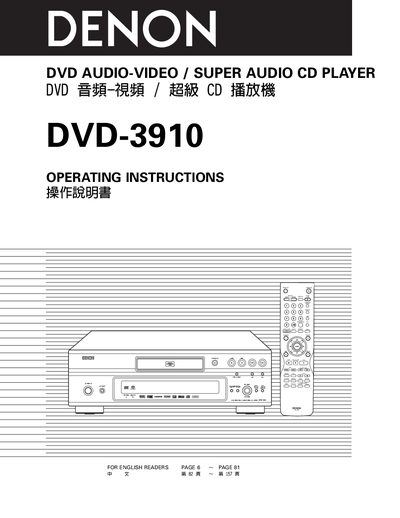
This manual provides detailed operating instructions for the Denon DVD-3910 DVD Audio‑Video / Super Audio CD Player. It includes safety warnings, handling guidelines, and step‑by‑step procedures for loading discs, adjusting settings, and using advanced functions such as Pure Direct mode and Super Audio CD playback.
The document also lists all supported disc formats, connection options (HDMI, DVI‑D, S‑Video, component, audio), remote‑control functions, and the main technical specifications of the unit. A troubleshooting section and a service‑station list are included for further assistance.
| Signal system | NTSC/PAL |
|---|---|
| Applicable discs | DVD‑Audio/DVD‑Video, Super Audio CD, CD‑DA, Video CD |
| S‑Video output level | 1 Vp‑p (75 Ω) |
| HDMI output connector | HDMI connector, 1 set |
| Audio output level (stereo) | 2 Vrms |
The DVD‑3910 can play DVD‑Audio/DVD‑Video discs, Super Audio CDs, standard CDs, and Video CDs as listed in the supported disc table.
The DVD‑3910 is set to region 3 and will not play discs with other region numbers.
Use the included audio‑video cord to connect the TV’s video input to the DVD‑3910’s VIDEO OUT or S‑VIDEO OUT, and the audio inputs to the AUDIO OUT.
Do not expose the DVD‑3910 to rain or moisture, and keep it away from water and high humidity.