
Motorola E8 GSM Feature Digital Mobile Phone User Manual, introduces the phone's functions, usage methods and precautions.
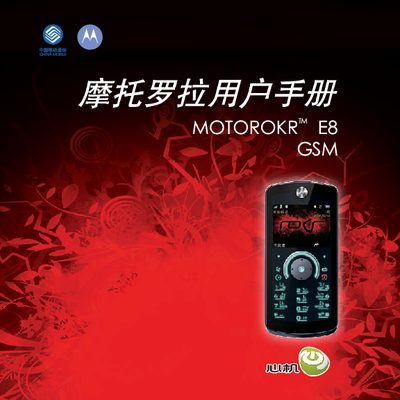
This manual introduces the Motorola ROKRTME8 GSM digital mobile phone, covering safety information, basic operation, and the device’s hardware layout such as volume keys, smart keys, micro‑USB port, speaker and microphone. It explains how to navigate the main menu, use voice commands, manage calls, messages, and connectivity options like Bluetooth and data connections.
The guide also details battery usage, charging procedures, environmental limits, and maintenance tips. It includes troubleshooting steps for common issues, such as battery warnings, and provides service contact information and regulatory compliance statements. This manual is written in Chinese.
| Operating Temperature Range | 0 °C to 45 °C |
|---|---|
| Charging Port | Micro‑USB |
| Battery Compatibility | Motorola original battery only |
You can charge the phone using the Motorola original charger or via a USB data cable while both the phone and the computer are turned on.
Remove the battery, verify it is a Motorola original battery, reinstall it, and try charging again; if the warning persists, contact an authorized service center.