
About MOBEM
MOBEM is a mobile application developed by Xunta de Galicia that serves as a Government to Citizen (G2C) tool for interacting with the public employment service in Galicia. It allows users to renew job demand applications, schedule appointments with labor counselors, and download employment documents.
- Official website
- mobem.uptodown.com/android
Sources: Mobem CE-Star for PPC2003 User Manual · official site. Checked 2026-10-13. Contact details change - confirm them on the manufacturer's site.
Key facts
- Manuals
- 5
- Models
- 2
- Languages
- ZH · JA
- Last added
- 2011-09-18
MOBEM models by category
Featured MOBEM manuals
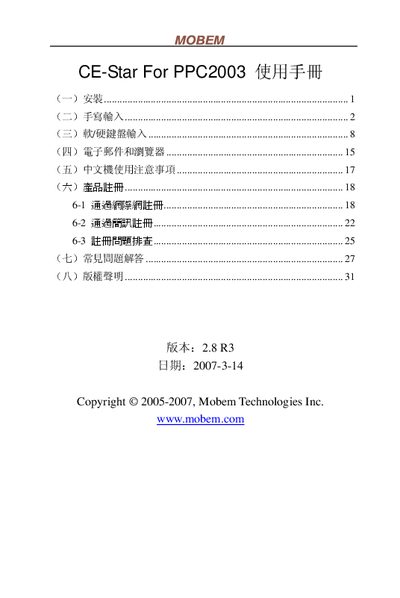
Mobem CE-Star for PPC2003 User Manual
The CE-Star application provides handwriting and keyboard input for the PPC2003 personal digital assistant. It supports Chinese, Japanese and special Hong Kong characters, and includes registration and configuration options.
The manual is organized into sections on installation, handwriting input, soft/hard‑keyboard input, email and browser usage, Chinese‑device usage notes, product registration, a FAQ and copyright information. Each section gives step‑by‑step instructions and troubleshooting tips. This manual is written in Chinese.
Covers: Installation · Handwriting Input · Soft/Hard Keyboard Input · Email and Browser · Chinese Device Usage Notes · Product Registration
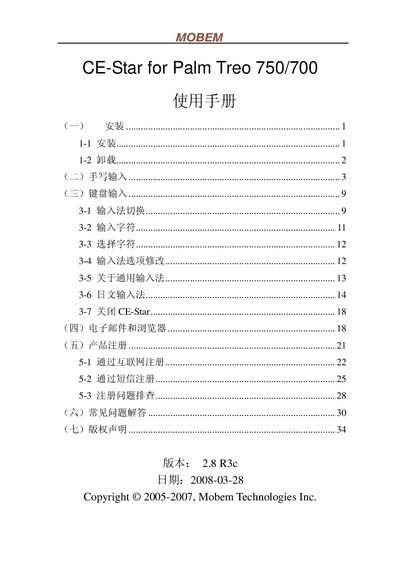
Mobem CE-Star for Palm Treo 750/700 User Guide
The guide provides step‑by‑step installation instructions, including launching the CE‑Star installer from the Start menu, accepting the license, and completing the setup. It also describes how to uninstall the software via Start→Programs→CE‑Star→Uninstall.
After installation, the manual details the usage of the CE‑Star input panel, showing how to switch between Chinese and English modes, toggle half‑width/full‑width characters, and input symbols, numbers, and stylus‑based handwriting. It lists supported features such as GBK character set, numeric keypad, and Unicode handling for SMS. This manual is written in Japanese.
Covers: Installation · Uninstallation · Handwriting Input · Keyboard Input · Settings · Bug Fixes
Latest MOBEM manuals
MOBEM CE-Star For WM5 6 Manual
Mobem CE-Star for PPC2003 User Manual
User Manual 33 pages · 647 KB · ZHUser manual for Mobem CE-Star software on the PPC2003 PDA, covering installation, handwriting input, keyboard use, email, browser, registration and FAQs.
MOBEM CE-Star for Palm Treo 750/700 Manual
MOBEM CE-Star For WM5/6 Manual
Mobem CE-Star for Palm Treo 750/700 User Guide
User Manual 36 pages · 827 KB · JAThis Mobem guide explains how to install, configure, and use the CE-Star input method on Palm Treo 750/700 devices.
Which document do I need?
User Manual
Day-to-day operation, settings and troubleshooting. Start here if the product is already set up.
Questions answered in MOBEM manuals
在全屏書寫方式下怎樣方便地選擇文字塊?
使用筆尖點選文字塊起始位置後,保持約一秒鐘即可自動進入選擇狀態,或在起始位置畫線並停留約一秒鐘後完成選取。
How do I uninstall CE‑Star?
Open Start → Programs → CE‑Star → Uninstall and follow the prompts.
How do I enable half‑width or full‑width characters?
Use the half‑width/full‑width switch in the settings area of the input panel.