
CE-Star For PPC2003 User Manual, including installation, handwriting input, soft/hard keyboard input, email and browser, Chinese machine usage notes, product registration, etc.
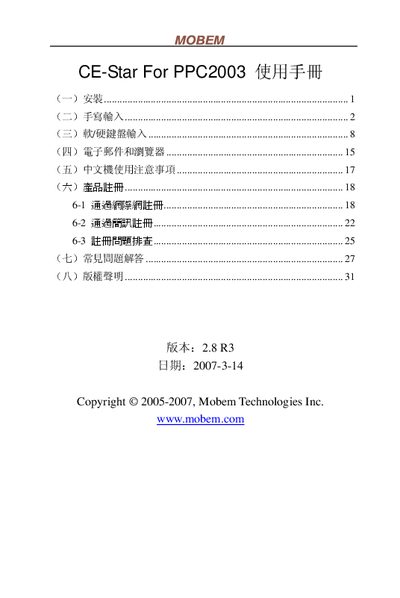
The CE-Star application provides handwriting and keyboard input for the PPC2003 personal digital assistant. It supports Chinese, Japanese and special Hong Kong characters, and includes registration and configuration options.
The manual is organized into sections on installation, handwriting input, soft/hard‑keyboard input, email and browser usage, Chinese‑device usage notes, product registration, a FAQ and copyright information. Each section gives step‑by‑step instructions and troubleshooting tips. This manual is written in Chinese.
| Supported Simplified Chinese character set | GB2312 (not GBK) |
|---|---|
| Japanese input support | Handwriting input for Hiragana and Katakana |
| Default character interval | 0.6 seconds |
| Default auto‑input delay | 0.1 seconds |
使用筆尖點選文字塊起始位置後,保持約一秒鐘即可自動進入選擇狀態,或在起始位置畫線並停留約一秒鐘後完成選取。
簡體版僅支援 GB2312,並不支援 GBK。
可以手寫輸入日文平假名與片假名,並可瀏覽日文網站。