
Key facts
- Brand
- MOBEM
- Model
- CE-Star for Palm Treo 750
- Category
- Application program
- Industry
- Software
- Documents
- 2
- Languages
- JA
- Last added
- 2000-01-01
Start here
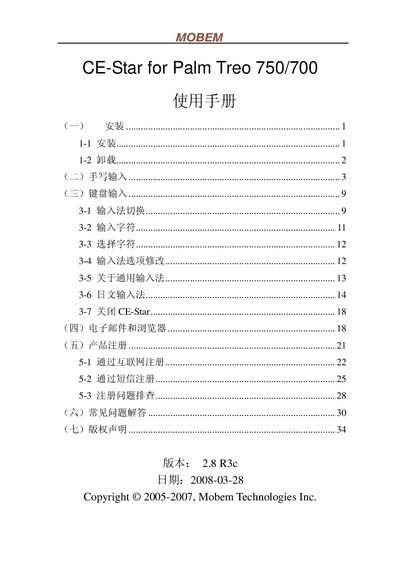
Mobem CE-Star for Palm Treo 750/700 User Guide
The guide provides step‑by‑step installation instructions, including launching the CE‑Star installer from the Start menu, accepting the license, and completing the setup. It also describes how to uninstall the software via Start→Programs→CE‑Star→Uninstall.
After installation, the manual details the usage of the CE‑Star input panel, showing how to switch between Chinese and English modes, toggle half‑width/full‑width characters, and input symbols, numbers, and stylus‑based handwriting. It lists supported features such as GBK character set, numeric keypad, and Unicode handling for SMS. This manual is written in Japanese.
MOBEM CE-Star for Palm Treo 750 specifications
| Software version | 2.8 R3c |
|---|---|
| Supported devices | Palm Treo 750/700 |
| Supported OS | Windows Mobile 3.0 and later |
| Character set support | GBK |
| Half‑width / full‑width toggle | Supported |
All MOBEM CE-Star for Palm Treo 750 documents by type
Day-to-day operation, settings and troubleshooting. Start here if the product is already set up.
Questions answered in these manuals
How do I uninstall CE‑Star?
Open Start → Programs → CE‑Star → Uninstall and follow the prompts.
How do I enable half‑width or full‑width characters?
Use the half‑width/full‑width switch in the settings area of the input panel.