
Key facts
- Manuals
- 2
- Languages
- EN
- Last added
- 2023-10-19
Featured Rosco manuals
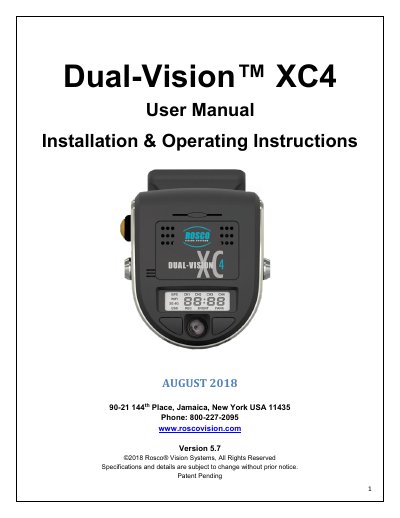
Rosco Dual-Vision™ XC4 User Manual
The Dual-Vision™ XC4 by Rosco is a vehicle-mounted HD video recorder with dual cameras for exterior and interior views. It includes built-in GPS, G-sensor, and a removable SD card for data storage. The system supports continuous and event-based recording, with video and data accessible only via Rosco’s DV-Pro5 Player software. Installation requires a PDC module and windshield mount, with optional Wi-Fi or 4G modules for remote access.
The manual covers installation, operation, troubleshooting, and data management, including SD card formatting, G-sensor event analysis, and video conversion to AVI format for legal use.
Covers: Safety Instructions · Introduction · Package Contents · Features · Installation · DVXC4 Operation
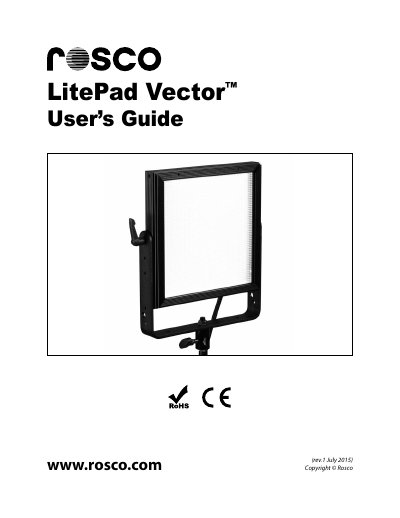
Rosco LitePad Vector LED Light User Manual
The Rosco LitePad Vector is an edge-lit LED light source designed for professional use in television, film, interviews, and photo shoots. It offers a balance of performance, reliability, and affordability with smooth, flicker-free dimming and optional battery operation.
The device can be controlled via the on-board rear control panel or through DMX512 protocol using RJ45 connectors. Features include manual output adjustment, color temperature selection (3000K to 6000K for CCT models), and a 'Boost' mode for increased output.
Covers: Introduction · Important Safeguards · Unpacking · Controls · Operation · DMX Operation
Latest Rosco manuals
Rosco Dual-Vision™ XC4 User Manual
User Manual 46 pages · 6.7 MB · ENUser manual for Rosco's Dual-Vision™ XC4 vehicle recording system with GPS, G-sensor, and SD card storage.
Rosco LitePad Vector LED Light User Manual
User Manual 12 pages · 367 KB · ENThis user manual covers the operation, DMX control, safety precautions, and specifications for the Rosco LitePad Vector portable edge-lit LED light.
Which document do I need?
User Manual
Day-to-day operation, settings and troubleshooting. Start here if the product is already set up.
Questions answered in Rosco manuals
How do I remove the SD card from the Dual-Vision XC4?
Always use the 'EJECT' feature on your PC prior to removing any SD card. Failure to do so will corrupt the SD card.
What is the maximum SD card capacity supported?
Up to 256GB SDXC memory card is supported.
What are the pre-set color temperatures available on the LitePad Vector CCT?
The seven pre-set color temperatures are 3000K, 3200K, 3600K, 4300K, 5000K, 5600K, and 6000K.
How do I activate the 'Boost' mode on the LitePad Vector?
Press both the left-hand and right-hand knobs simultaneously for 1 second to increase output by 20%.