
This is a user manual of Rosco LitePad Vector™, which introduces the product's usage, safety precautions, appearance design and other contents
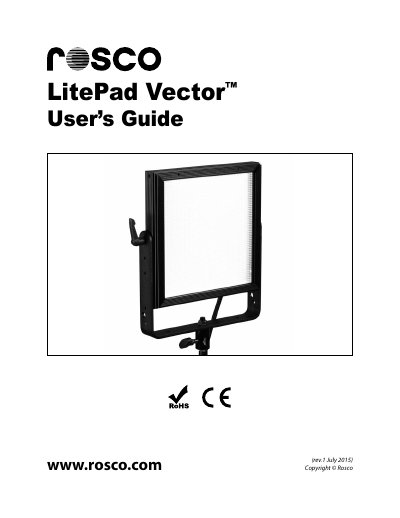
The Rosco LitePad Vector is an edge-lit LED light source designed for professional use in television, film, interviews, and photo shoots. It offers a balance of performance, reliability, and affordability with smooth, flicker-free dimming and optional battery operation.
The device can be controlled via the on-board rear control panel or through DMX512 protocol using RJ45 connectors. Features include manual output adjustment, color temperature selection (3000K to 6000K for CCT models), and a 'Boost' mode for increased output.
| Power Input Voltage | 12VDC (AC Power Transformer: 100-240VAC input/12VDC-24VDC output) |
|---|---|
| Power Consumption | 65W |
| Weight (including Power Supply, Yoke & Receiver) | 4.5 lb (2 kg) |
| Color Temperature Range (CCT Model) | 3000K – 6000K |
| Control Protocol | DMX 512 - RJ45 In/Out |
| IP Rating | IP61 Rated |
The seven pre-set color temperatures are 3000K, 3200K, 3600K, 4300K, 5000K, 5600K, and 6000K.
Press both the left-hand and right-hand knobs simultaneously for 1 second to increase output by 20%.
The DMX address can be set from 001 to 511.