
Key facts
- Manuals
- 2
- Languages
- EN
- Last added
- 2023-10-18
Featured Epilog manuals
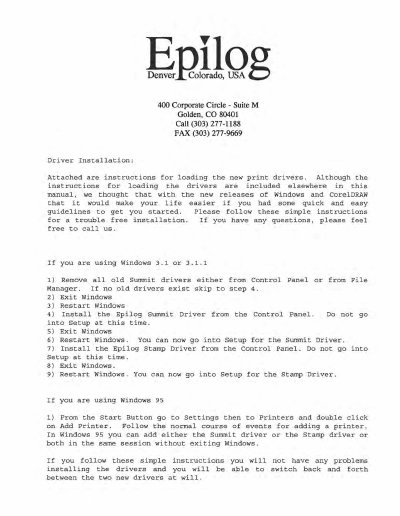
Epilog Summit Model 2000/25A Laser Engraver Installation Guide
This manual provides detailed instructions for installing Epilog Summit and Stamp drivers on Windows 3.1 and Windows 95. It covers hardware setup, software installation, and troubleshooting. The guide also includes site requirements, computer specifications, and material suppliers for laser engraving. It is designed for users who want to operate the Epilog Summit Model 2000/25A laser engraver with standard desktop publishing systems.
Covers: Unpacking Your Machine · Site Requirements · Getting Started · Hardware Installation & Connections · Software Installation · Engraving Machine Operation
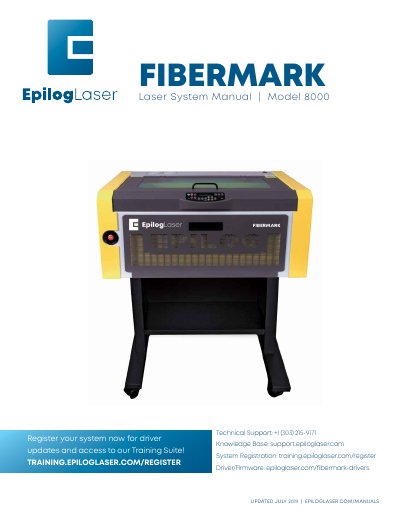
Epilog FiberMark 8000 Laser System User Manual
This manual provides step-by-step instructions for setting up, operating, and maintaining the Epilog FiberMark 8000 laser system. It includes safety guidelines, installation procedures, driver setup for Windows, using the Epilog Job Manager, and laser dashboard controls. Sections cover cleaning, maintenance, system features, optional attachments, firmware upgrades, and material engraving techniques. Technical specifications and support contacts are also included.
The manual emphasizes laser safety, including Class 2 laser classification, door interlocks, and fire hazards. It also details emergency stop procedures, electrical safety, and recommended fire extinguishers for safe operation.
Covers: Safety · Getting Started · Driver Installation · Epilog Job Manager · Laser Dashboard™ · FiberMark Control Panel
Latest Epilog manuals
Epilog Summit Model 2000/25A Laser Engraver Installation Guide
User Manual 91 pages · 4.1 MB · ENStep-by-step guide for installing Epilog Summit laser engraver drivers on Windows 3.1 and Windows 95 systems.
Epilog FiberMark 8000 Laser System User Manual
User Manual 128 pages · 6.8 MB · ENUser manual for Epilog FiberMark 8000 laser system covering safety, setup, driver installation, operation, maintenance, and technical specs.
Which document do I need?
User Manual
Day-to-day operation, settings and troubleshooting. Start here if the product is already set up.
Questions answered in Epilog manuals
What is the minimum computer RAM requirement for the Epilog Summit Model 2000/25A?
The computer must have 16 MB RAM.
From: Epilog Summit Model 2000/25A Laser Engraver Installation Guide
What voltage and amperage outlet is required for the Epilog Summit Model 2000/25A?
A single 115 Volt, 15 Amp outlet is required.
From: Epilog Summit Model 2000/25A Laser Engraver Installation Guide
What is the laser classification of the Epilog Model 8000?
The Epilog Model 8000 is a Class 2 laser product.
What safety feature stops the laser and motion control if an emergency occurs?
The Emergency Stop Button stops the laser and motion control system.