
This manual introduces the use of FIBERMARK laser system 8000, including safe use, installation and setup, driver installation, etc.
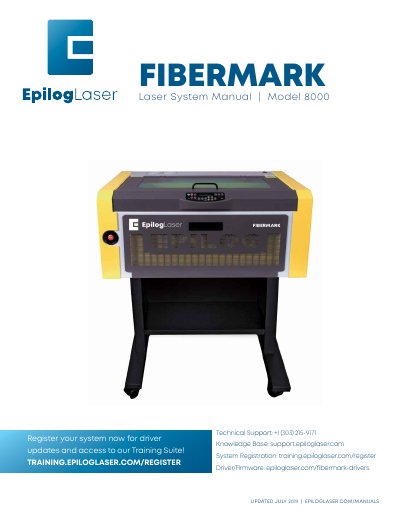
This manual provides step-by-step instructions for setting up, operating, and maintaining the Epilog FiberMark 8000 laser system. It includes safety guidelines, installation procedures, driver setup for Windows, using the Epilog Job Manager, and laser dashboard controls. Sections cover cleaning, maintenance, system features, optional attachments, firmware upgrades, and material engraving techniques. Technical specifications and support contacts are also included.
The manual emphasizes laser safety, including Class 2 laser classification, door interlocks, and fire hazards. It also details emergency stop procedures, electrical safety, and recommended fire extinguishers for safe operation.
| Laser Class | Class 2 |
|---|---|
| Laser Source | Fiber Laser |
| Recommended PC | Not specified in text |
The Epilog Model 8000 is a Class 2 laser product.
The Emergency Stop Button stops the laser and motion control system.
The operator must extinguish the fire at once.