
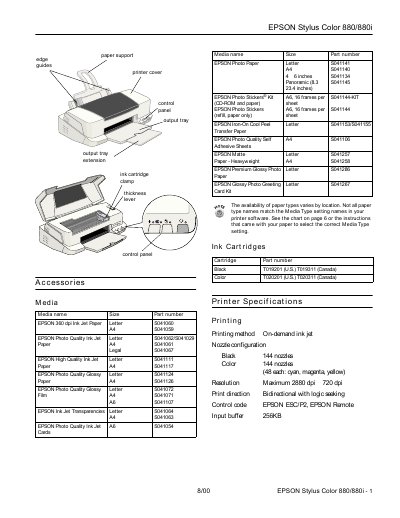
The document serves as a user guide for the Epson Stylus Color 880/880i inkjet printer. It details supported media types, including various paper sizes and photo papers, along with specific loading instructions to prevent jams. The manual also covers electrical specifications, environmental conditions for operation and storage, and safety guidelines.
| Printing method | On-demand ink jet |
|---|---|
| Nozzle configuration | Black 144 nozzles, Color 144 nozzles (48 each: cyan, magenta, yellow) |
| Maximum Resolution | 2880 dpi x 720 dpi |
| Input buffer | 256KB |
| Sheet feeder capacity | 100 sheets of 17 lb (64 g/m²) paper |
| Weight | 13.2 lb (6 kg) without the ink cartridges |
Press the load/eject button to try to clear the jam, or turn off the printer and gently pull out all the paper.
It indicates that your ink supply is low and you should ensure you have a replacement cartridge.
The printer operates within a temperature range of 50 to 95 °F (10 to 35 °C).