
Key facts
- Brand
- Wouxun
- Model
- KG-UVD1P
- Category
- Communications equipment
- Industry
- Electronics
- Documents
- 2
- Languages
- EN
- Last added
- 2026-10-05
Start here
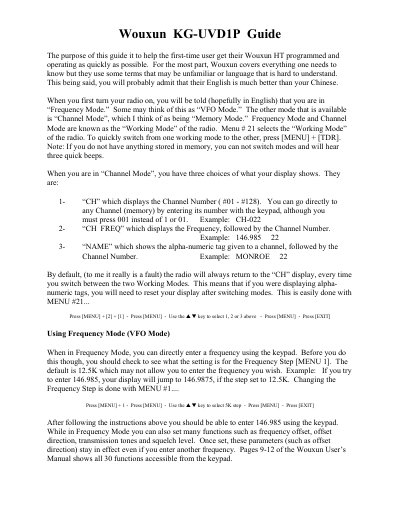
Wouxun KG-UVD1P Handheld Transceiver User Guide
This guide explains the basic operation of the Wouxun KG‑UVD1P handheld transceiver, covering its two working modes – Frequency (VFO) and Channel (Memory). It shows how to switch modes, adjust the frequency step, and understand the display options for channel number, frequency, or name.
The document also provides step‑by‑step instructions for programming a repeater frequency into memory, setting transmit tones, power levels, and selecting the desired display format. All procedures use the radio’s menu keys and are illustrated with example values.
Wouxun KG-UVD1P specifications
| Channel capacity | 128 channels |
|---|---|
| Default frequency step | 12.5 kHz |
| Transmit tone option (example) | 100 Hz |
All Wouxun KG-UVD1P documents by type
Day-to-day operation, settings and troubleshooting. Start here if the product is already set up.
Instruction set, parameters and examples for configuring or programming the device.
Questions answered in these manuals
How do I switch between Frequency Mode and Channel Mode?
Press the MENU key together with the TDR key (MENU + TDR).
How many memory channels can be programmed?
The KG‑UVD1P provides 128 selectable memory channels.
What are the default bandwidth options?
The default bandwidth is WIDE (25 kHz); you can switch to NARROW (12.5 kHz) if needed.