
Key facts
- Brand
- Winbond
- Model
- W78E516B
- Industry
- Industrial
- Documents
- 2
- Languages
- EN
- Last added
- 2012-05-11
Start here
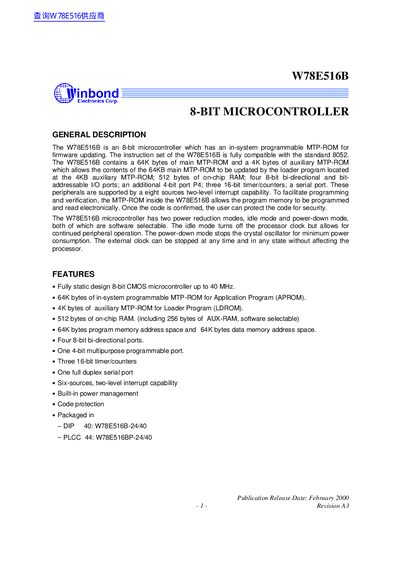
Winbond W78E516B 8-Bit Microcontroller User Manual
The W78E516B is an 8‑bit CMOS microcontroller with up to 40 MHz operation. It provides 64 KB of main MTP‑ROM, 4 KB auxiliary MTP‑ROM, 512 bytes of on‑chip RAM, four 8‑bit I/O ports, a 4‑bit port, three 16‑bit timers and a full‑duplex serial port. Power‑management modes include idle and power‑down.
The manual describes pin configurations, functional blocks, memory organization, timer operation, clock options, power‑management settings and the in‑system programming (ISP) procedure, including register settings and example code.
Winbond W78E516B specifications
| Main MTP‑ROM size | 64 KB |
|---|---|
| Auxiliary MTP‑ROM size | 4 KB |
| On‑chip RAM | 512 bytes |
| I/O ports | Four 8‑bit bi‑directional ports and one 4‑bit port (P4) |
| Timers | Three 16‑bit timer/counters |
| Serial port | Full‑duplex |
| Maximum operating frequency | 40 MHz |
All Winbond W78E516B documents by type
Day-to-day operation, settings and troubleshooting. Start here if the product is already set up.
Questions answered in these manuals
How do you enter In‑System Programming (ISP) mode?
Write the values 87H then 59H to the CHPENR register, then set CHPCON.0 to 1; the device will enter ISP mode after waking from idle.
What are the power‑management modes of the W78E516B?
The device supports an idle mode, where the CPU clock stops but peripherals run, and a power‑down mode, which stops all clocks including the oscillator.