
Key facts
- Brand
- Sungrow
- Model
- 110CX
- Documents
- 3
- Languages
- EN · ZH
- Last added
- 2023-10-20
Start here
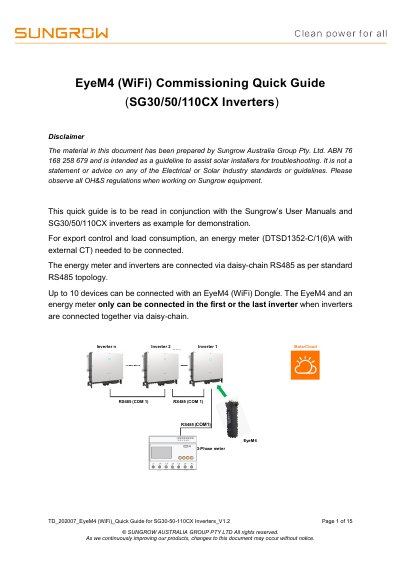
Sungrow SG30/50/110CX Inverters EyeM4 Commissioning Quick Guide
This document serves as a guideline for solar installers to commission the EyeM4 (WiFi) dongle for Sungrow SG30/50/110CX inverters. It outlines the necessary steps for RS485 wiring, connecting energy meters, and setting up the iSolarCloud application for online monitoring. The guide also details how to enable remote maintenance and configure export control parameters.
Read onlineSungrow 110CX specifications
| Max Devices per Daisy-Chain | 10 |
|---|---|
| Default EyeM4 IP Address | 11.11.11.1 |
| Default EyeM4 Password | pw1111 |
| Default iSolarCloud Login Password | pw8888 |
| RS485 Termination Resistance | 120 Ohm |
Source: Sungrow SG30/50/110CX Inverters EyeM4 Commissioning Quick Guide
All Sungrow 110CX documents by type
The shortest path to a working setup, usually only a few pages.
Day-to-day operation, settings and troubleshooting. Start here if the product is already set up.
Questions answered in these manuals
What is the default IP address for the EyeM4 dongle?
The default IP address for the EyeM4 setup via WLAN is 11.11.11.1.
From: Sungrow SG30/50/110CX Inverters EyeM4 Commissioning Quick Guide
How many devices can be connected via the EyeM4 dongle?
Up to 10 devices can be connected with an EyeM4 (WiFi) Dongle.
From: Sungrow SG30/50/110CX Inverters EyeM4 Commissioning Quick Guide
Who is authorized to perform installation and operation?
All installation operations must be performed by professional technical personnel.
What safety distance is required between cables and hot components?
A distance of at least 30mm must be maintained between cables and hot components or heat source areas.