
Key facts
- Brand
- SteelSeries
- Model
- AEROX 5
- Industry
- Computers
- Documents
- 2
- Languages
- EN
- Last added
- 2026-11-06
Start here
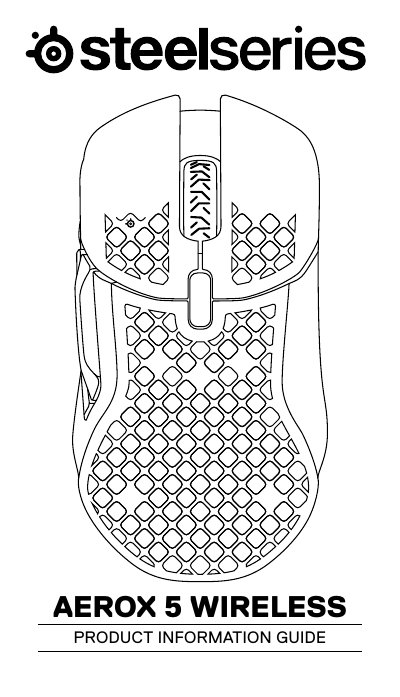
SteelSeries Aerox 5 Wireless Product Information Guide
The guide introduces the SteelSeries Aerox 5 Wireless, an ultra‑lightweight gaming mouse designed for fast, precise control. It lists the package contents, shows the mouse layout, and explains compatibility with PC, Mac, Xbox and PlayStation.
Key sections cover connecting the mouse via 2.4 GHz or Bluetooth, interpreting the battery‑level lighting, selecting preset CPI values, and accessing translations and regulatory information. The document also provides technical specifications such as voltage, current draw, and CPI options.
SteelSeries AEROX 5 specifications
| CPI Settings | 400, 800, 1200, 2400, 3200 |
|---|---|
| Cable Length | 6.56 ft / 2 m |
| Operating Temperature | 0 to + 40 °C |
| Rated Power | 5 V 200 mA |
All SteelSeries AEROX 5 documents by type
Day-to-day operation, settings and troubleshooting. Start here if the product is already set up.
Questions answered in these manuals
What is the default CPI of the Aerox 5?
The mouse comes with 5 preset CPI settings selectable via the CPI button: 400, 800, 1200, 2400, and 3200.
Is the Aerox 5 compatible with consoles?
Yes, it is compatible with PC, Mac, Xbox, and PlayStation.
How does the battery level indicator work?
The mouse flashes red when the battery is 0–5 %, yellow for 6–10 %, and green for 11–100 %; while charging, the lighting flashes green for five seconds.
From: SteelSeries Aerox 5 Wireless Product Information Guide