
Key facts
- Brand
- SoundPoint
- Model
- SoundPoint IP 330
- Category
- Telephone
- Documents
- 2
- Languages
- EN
- Last added
- 2012-06-01
Start here
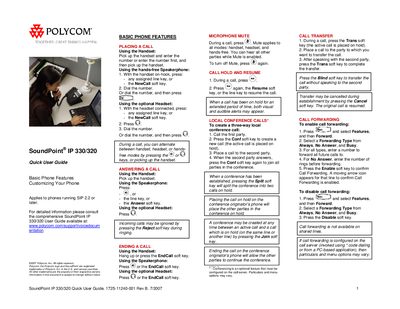
Polycom SoundPoint IP 330/320 Quick User Guide
This Quick User Guide provides step‑by‑step instructions for using the Polycom SoundPoint IP 330/320 desk phones. It covers basic phone features, placing and receiving calls, call transfer, conference calling, and voicemail handling.
The guide also explains how to customize the phone, manage contacts, adjust volume and ring tones, and use optional headset memory mode. It references the full User Guide for detailed configuration and notes that some features depend on server settings.
SoundPoint IP 330 specifications
| Supported SIP version | SIP 2.2 or later |
|---|---|
| Document revision | Rev B. 7/2007 |
| Document number | 1725-11240-001 |
All SoundPoint IP 330 documents by type
Day-to-day operation, settings and troubleshooting. Start here if the product is already set up.
The shortest path to a working setup, usually only a few pages.
Questions answered in these manuals
What does the User Guide cover?
It provides everything needed to quickly use the new phone, including setup, feature usage, and troubleshooting.
How do I restart the SoundPoint IP 330/320 phone?
Refer to the "Restarting Your Phone" section of the guide for step‑by‑step instructions.
How do I place a call using the handset?
Pick up the handset and enter the number, or enter the number first and then pick up the handset.
How can I enable Do Not Disturb?
Press Features, then select Do Not Disturb to prevent the phone from ringing; press again to turn it off.