
Key facts
- Brand
- ScanExpress
- Model
- S40 A4
- Category
- Scanner
- Documents
- 2
- Languages
- EN · ZH
- Last added
- 2023-10-16
Start here
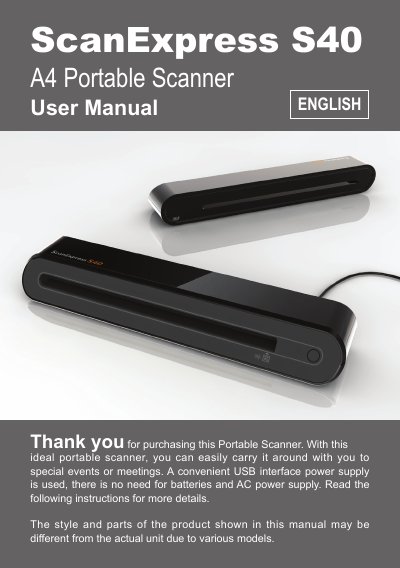
ScanExpress S40 A4 Portable Scanner User Manual
The ScanExpress S40 A4 is a portable color CIS sheet-feed scanner powered by a USB interface. This user manual covers safety precautions, package contents, and step-by-step guides for software installation on Windows and Mac systems, as well as hardware connection procedures.
The document details how to use the built-in ScanExpress workspace application and TWAIN drivers for direct scanning from compatible applications like Adobe Photoshop. It also explains image processing features such as rotation, filtering, and calibration using special paper.
ScanExpress S40 A4 specifications
| Scanner Type | Color CIS Sheet feed |
|---|---|
| Resolution | Optical: 600 dpi (H) x 600 dpi (V) |
| Scan Area | Max. 216 x 355 mm (Legal Size) |
| Light Source | LED |
| Interface | USB 2.0 |
| Scanning Mode | Color mode, Gray Mode, Line Art |
| Power Consumption | USB bus powered 5V, 500mA |
| Dimension | 293mm x 63.7mm x 39mm |
| Weight | 420g |
All ScanExpress S40 A4 documents by type
Day-to-day operation, settings and troubleshooting. Start here if the product is already set up.
Questions answered in these manuals
Do I need batteries or AC power to use the scanner?
No, a convenient USB interface power supply is used, so there is no need for batteries and AC power supply.
How do I calibrate the scanner?
Insert the special calibrating paper facing up into the feed slot and click Calibrate to adjust color appearance.
What operating systems are supported by the ScanExpress S40 A4?
The scanner works with Windows XP, Windows Vista, and macOS 10.4 through 10.5.