
Key facts
- Brand
- Progeny Dental
- Model
- JB-70
- Category
- Other products
- Documents
- 2
- Languages
- EN
- Last added
- 2023-10-16
Start here
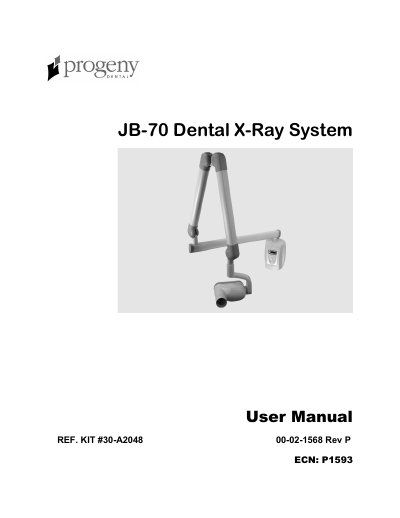
Progeny Dental JB-70 Dental X-Ray System User Manual
The Progeny Dental JB-70 Dental X-Ray System is a state-of-the-art intra-oral x-ray machine consisting of five components: the Control Unit, Tubehead, Articulating Arm, Horizontal Arm, and Cone. The Control Unit manages power connection, line voltage compensation, kVp control, and exposure time control. The system is designed to provide a high degree of protection from unnecessary x-radiation while allowing precise positioning of the tubehead.
Read onlineProgeny Dental JB-70 specifications
| Horizontal Arm Reach | 56, 66 and 76 inches |
|---|---|
| Standard Cone Length | 8 inch |
| Optional Cone Length | 12 inch |
| Filament Warm Up Time | 0.217 seconds |
| Peak Tube Potential Range | 60 kVp to 85 kVp |
Source: Progeny Dental JB-70 Dental X-Ray System User Manual
All Progeny Dental JB-70 documents by type
Day-to-day operation, settings and troubleshooting. Start here if the product is already set up.
Questions answered in these manuals
Who can install and service the JB-70 system?
The JB-70 Dental X-Ray System should only be installed and serviced by approved Progeny dealer personnel.
What is the purpose of the hole in the plastic handle covering the back of the Tubehead?
It provides an air vent to allow the Tubehead oil to expand and contract as the unit is operated.
Who is authorized to install and service the JB-70 system?
The system should only be installed and serviced by approved Progeny dealer personnel.
What is the procedure to enter programming mode?
Press and hold the Image Receptor Type, Tooth Type, or patient size buttons while turning ON the power.