
This is a document about JB-70 Dental X-Ray System User Manual
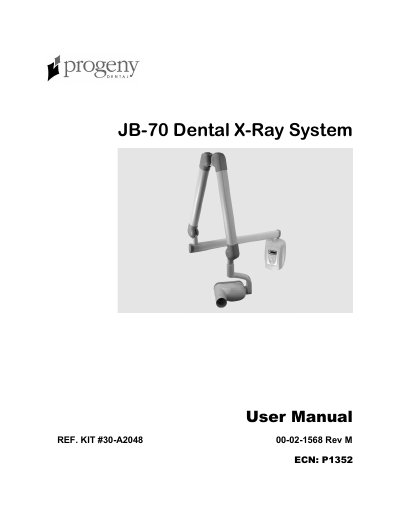
The Progeny Dental JB-70 Dental X-Ray System is a state-of-the-art intra-oral x-ray machine designed for dental applications. The system consists of five main components: the Control Unit, Tubehead, Articulating Arm, Horizontal Arm, and Cone. The Control Unit manages power connection and controls the Tubehead, offering automatic line voltage compensation and exposure time control. The Tubehead contains the x-ray tube and high voltage transformer, while the Articulating Arm allows for precise positioning of the Tubehead to the patient. The Horizontal Arm provides necessary reach, available in three different lengths, and the Cone establishes the distance from the x-ray tube to the patient's skin, collimating the beam.
| Maximum Rated Tube Potential | 70 KVp +/-10% |
|---|---|
| Tube Current | 7 mA +/- 2 mA |
| Exposure Time Selections (60 Hz) | 50 ms through 1.65 seconds |
| Exposure Time Selections (50 Hz) | 60 ms through 2.0 seconds |
| Line Load Max. current | 10 amps |
| Minimum Half Value Layer | 1.7 mm Aluminum equivalent at 70 kVp |
| Focal Spot | 0.7 mm |
| Operating Temperature | +50 F/+113 F (+10 C/+45 C) |
| Maximum Altitude | 12,000 ft |
The system should only be installed and serviced by approved Progeny dealer personnel.
Press and hold the Image Receptor Type, Tooth Type, or patient size buttons while turning ON the power.
In programming mode, the system ignores the x-ray exposure circuit, so pressing the Exposure button stores settings rather than taking an x-ray.