
Key facts
Start here
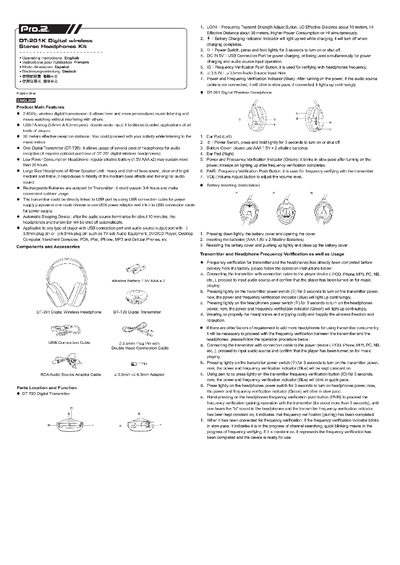
Pro.2 DT-20 Operating Instructions
The DT-20 kit includes a digital 2.4 GHz transmitter and DT-201 wireless headphones. It supports USB and analog (3.5 mm/6.3 mm) audio inputs and provides up to 30 m effective reception distance. The transmitter can be powered by a USB cable or a USB power adapter, and the headphones run on two AAA alkaline batteries.
The manual explains how to install batteries, turn on the devices, verify frequency pairing, use the volume and power controls, and troubleshoot common issues. Precautions for safe use and cleaning are also provided.
Pro.2 DT-20 specifications
| Wireless frequency | 2.4 GHz digital transmission |
|---|---|
| Effective reception distance (HI mode) | 30 m |
| Effective reception distance (LO mode) | 10 m |
| Headphone battery type | 2 × AAA 1.5 V alkaline |
| Headphone battery life | more than 20 hours |
| Transmitter battery type | rechargeable battery |
| Transmitter battery life | 3–6 hours |
| Speaker unit size | 40 mm |
| Audio inputs | USB, 3.5 mm and 6.3 mm analog |
All Pro.2 DT-20 documents by type
Day-to-day operation, settings and troubleshooting. Start here if the product is already set up.
Questions answered in these manuals
What should I do if there is no sound or the volume is very low?
Adjust the volume switch, make sure the audio source is playing, move the headphones closer to the transmitter, and if needed replace the batteries.
How are the batteries installed or replaced?
Open the battery cover, insert two AAA 1.5 V alkaline batteries, then close the cover.