
Key facts
- Brand
- Pentax
- Model
- Optio S4
- Category
- Digital cameras
- Documents
- 3
- Languages
- EN
- Last added
- 2012-06-05
Start here
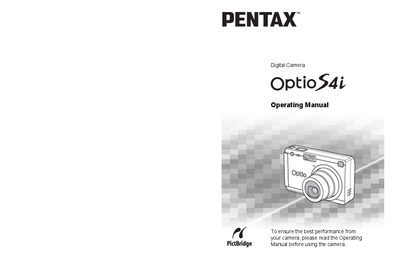
Pentax Optio S4i Digital Camera Operating Manual
This document is the operating manual for the Pentax Optio S4i digital camera. It provides comprehensive instructions on getting started with the device, including attaching the strap, installing batteries, and setting up the SD Memory Card. The guide details how to power the camera on and off, configure initial settings such as language and date/time, and navigate through various menu options.
Read onlineAll Pentax Optio S4 documents by type
Day-to-day operation, settings and troubleshooting. Start here if the product is already set up.
Questions answered in these manuals
Can I take apart or remodel the camera?
No, do not attempt to take the camera apart or remodel it as high voltages are present within the camera.
What happens if the LCD display becomes black?
The liquid crystal display will become black at temperatures of approximately 60°C (140°F) but returns to normal when temperatures return to normal.
What is the operating temperature range for this camera?
The camera can be used in a temperature range of 0°C to 40°C (32°F to 104°F).
Is the lens on this camera exchangeable?
No, the lens is not removable or exchangeable.
What software is included on the CD-ROM?
The CD contains a USB driver, the ACDSee for Pentax image viewing/editing program, and QuickTime for video playback.
Can I print images directly from the camera?
Yes, by connecting the camera to a PictBridge‑compatible printer with the USB cable and using the Direct Print function.