
Key facts
Start here
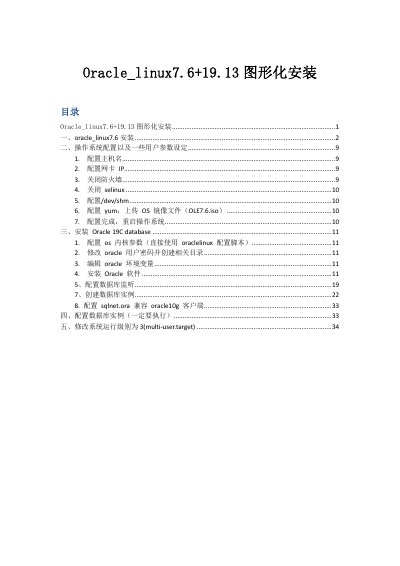
Oracle Linux 7.6 and Oracle 19C Database Installation Guide
This document provides step-by-step instructions for performing a graphical installation of Oracle Linux 7.6. It covers partitioning, setting the root password, and initial system setup including hostname and network configuration. It also details how to disable the firewall and SELinux, and configure the YUM repository for offline installation. This manual is written in Chinese.
Read onlineAll Oracle 19c documents by type
Instruction set, parameters and examples for configuring or programming the device.
Day-to-day operation, settings and troubleshooting. Start here if the product is already set up.
Questions answered in these manuals
What is the intended use of this software?
This software is developed for general use in a variety of information management applications.
Is this software suitable for inherently dangerous applications?
No, it is not intended for use in any inherently dangerous applications that may create a risk of personal injury.
Which software selection should be chosen for a GUI installation?
Select 'SERVER WITH GUI' in the software selection step.
From: Oracle Linux 7.6 and Oracle 19C Database Installation Guide
How to disable the firewall after installation?
Execute the commands 'systemctl stop firewalld' and 'systemctl disable firewalld'.
From: Oracle Linux 7.6 and Oracle 19C Database Installation Guide