
Key facts
- Brand
- Netac
- Model
- C620
- Category
- Player
- Industry
- Electronics
- Documents
- 2
- Languages
- ZH
- Last added
- 2026-10-18
Start here
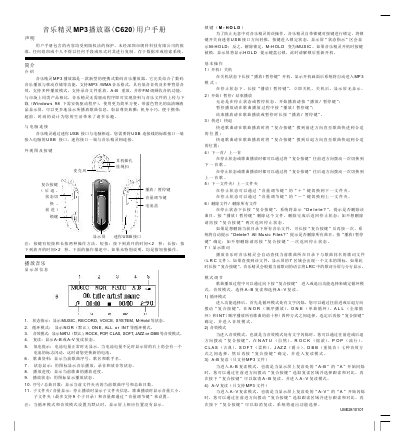
Netac C620 MP3 Player User Manual
User Manual 2 pages · 61 KB · ZH
This manual provides detailed instructions for the Netac C620 MP3 player, including basic operations such as power on/off, playback control, and file management. It explains how to use the device's features like recording, voice playback, and system settings. This manual is written in Chinese.
Read onlineNetac C620 specifications
| Storage capacity | 32 MB ~ 512 MB |
|---|---|
| Display | High‑definition LCD |
| Output frequency | 20 Hz ~ 20 kHz |
| Signal‑to‑noise ratio | 285 dB |
| Power source | USB bus power or AAA battery |
| Data read/write speed | 400 KB/s |
| Playback time | >10 hours |
| Dimensions (L×W×H) | 76 mm × 25 mm × 25 mm |
| Weight | 20 g (without battery) |
All Netac C620 documents by type
User Manual 2
Day-to-day operation, settings and troubleshooting. Start here if the product is already set up.
Questions answered in these manuals
What is the frequency range of this MP3 player?
The audio output frequency range is between 20Hz and 20KHz.
How do I connect the C620 to a computer?
Connect the mini‑USB port on the player to a USB port on the computer; the device will be recognized as a removable disk.
How can I set the backlight timeout?
Enter the System Settings menu, select BCKLight, and choose a timeout from 0 to 30 seconds (0 disables the backlight).