
Key facts
Start here
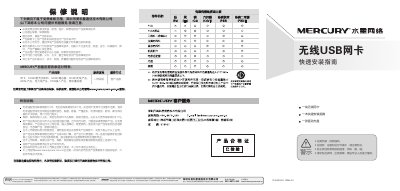
Mercury MW150US USB Wireless Network Card Installation Guide
This guide explains how to install the Mercury MW150US USB wireless network card. The hardware installation is simple: insert the card into the appropriate slot without powering off the computer. The software installation uses the supplied driver CD, which launches an automatic installer that completes in about a minute.\n\nAfter the driver is installed, the guide shows how to configure the wireless connection, including selecting a network, entering passwords for encrypted networks, and confirming a successful connection. The document also includes safety warnings and warranty information. This manual is written in Chinese.
Read onlineMercury MW150U specifications
| Interface | USB 2.0 |
|---|---|
| Supported Standards | IEEE 802.11b/g/n |
| Maximum Data Rate | 150 Mbps |
| Operating Systems | Windows XP, Vista, 7 |
| Frequency Range | 2.4 – 2.4835 GHz |
| Transmit Power | 17 dBm (max) |
| Power Consumption | 1.5 W |
| Operating Temperature | 0 °C – 40 °C |
All Mercury MW150U documents by type
Day-to-day operation, settings and troubleshooting. Start here if the product is already set up.
The shortest path to a working setup, usually only a few pages.
Questions answered in these manuals
How do I install the hardware for the MW150US?
Insert the card into the correct slot without turning off the computer; no power‑down is required.
From: Mercury MW150US USB Wireless Network Card Installation Guide
How can I connect to an encrypted wireless network?
When prompted, enter the network password and click “Confirm” to complete the connection.
From: Mercury MW150US USB Wireless Network Card Installation Guide