
Key facts
- Brand
- McIntosh
- Model
- HR070 Series
- Category
- Other Electronics
- Industry
- Electronics
- Documents
- 2
- Languages
- EN
- Last added
- 2026-11-11
Start here
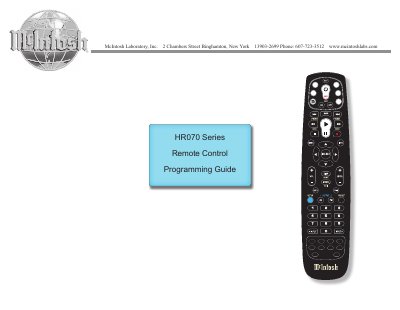
McIntosh HR070 Series Remote Controls Programming Guide
This guide explains how to program McIntosh HR070 Series remote controls to operate both McIntosh and non-McIntosh components. It covers installing batteries, entering five-digit codes for components, searching for codes if needed, verifying programmed codes, and restoring default settings. The guide includes a comprehensive list of component control codes for various brands and models.
Read onlineMcIntosh HR070 Series specifications
| Models covered | HR070, HR071, HR072, HR073 |
|---|---|
| Battery type | AA batteries |
| Learning capacity | Approximately 42 to 75 keys |
| Programming code length | Five digits |
Source: McIntosh HR070 Series Remote Control Programming Guide
All McIntosh HR070 Series documents by type
Instruction set, parameters and examples for configuring or programming the device.
Day-to-day operation, settings and troubleshooting. Start here if the product is already set up.
Questions answered in these manuals
How do I know when the remote control batteries are low?
When the battery voltage is low, the Push-button will blink 5 times after another Push-button on the Remote Control is pressed.
From: McIntosh HR070 Series Remote Control Programming Guide
How many keys can the HR070 remote learn?
Learning capacity is approximately 42 to 75 keys, depending on the code being learned.
From: McIntosh HR070 Series Remote Control Programming Guide
How do I install batteries in the remote control?
Open the battery compartment cover on the back of the remote, place AA batteries with correct polarity, and replace the cover.
From: McIntosh HR070 Series Remote Controls Programming Guide
How do I program a component using the remote?
Turn on the component, press the component’s push-button, hold SET until it blinks twice, enter the five-digit code, aim the remote, and press Power Off.
From: McIntosh HR070 Series Remote Controls Programming Guide