
Programming guide for the McIntosh HR070 Series remote controls, covering battery installation, component programming, code search, learning, and volume lock.
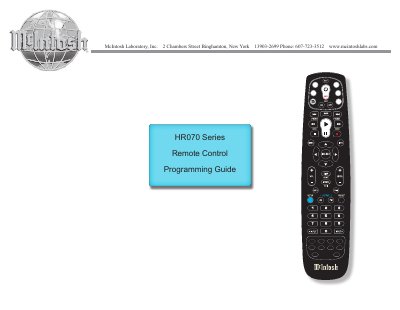
This programming guide covers the McIntosh HR070 Series Remote Controls (HR070, HR071, HR072 and HR073) supplied with McIntosh Preamplifiers, Integrated Amplifiers, A/V Control Centers, and Source Components. The remotes control McIntosh components as well as non-McIntosh components by entering a five-digit numeric code, and can learn and store IR signals from a component's original remote when no code is available.
The guide explains how to install AA batteries, program components by code, search for codes when a brand is not listed, check assigned codes, program learned keys, delete learned keys, and change the Volume Lock setting between Global Volume Lock and Global Volume Unlock.
| Models covered | HR070, HR071, HR072, HR073 |
|---|---|
| Battery type | AA batteries |
| Learning capacity | Approximately 42 to 75 keys |
| Programming code length | Five digits |
When the battery voltage is low, the Push-button will blink 5 times after another Push-button on the Remote Control is pressed.
Learning capacity is approximately 42 to 75 keys, depending on the code being learned.
Press and hold SETUP until the LED blinks twice, enter 9 9 3, then press the mode key for the device you want to control volume.
Press the mode key, press and hold SETUP until the LED blinks twice, enter 9 7 6, then press the key containing the learned function twice.