
Key facts
- Brand
- Logicube
- Model
- ZXi™-10G
- Category
- Other Computer Accessories
- Documents
- 2
- Languages
- EN
- Last added
- 2023-10-19
Start here
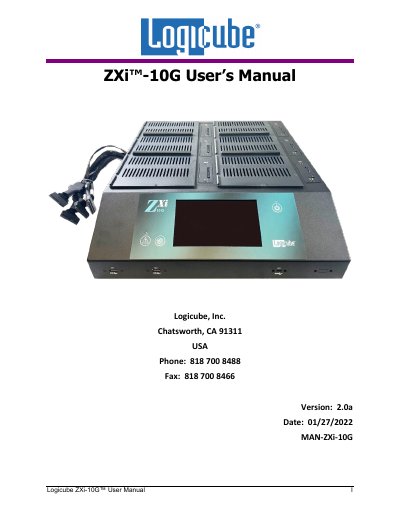
Logicube ZXi-10G User Manual
This document is the official user manual for the Logicube ZXi-10G, a data management appliance designed for drive cloning, hashing, and wiping operations. It provides detailed instructions on hardware setup, software configuration, and various data management tasks.
The guide covers essential topics including getting started with the device, quick start procedures for cloning and hashing, and advanced operations like managing repositories and system settings. It also details remote operation methods via web interface and command line, as well as hardware expansion options.
Logicube ZXi™-10G specifications
| Supported Cloning Methods | Mirror Copy, Clever Copy |
|---|---|
| Supported File Systems | FAT (16/32), NTFS, EXT, EXT2, EXT3, EXT4 |
| Supported Partitioning Schemes | MBR, GPT |
| Supported Sector Sizes | 512, 4096 (4K) |
All Logicube ZXi™-10G documents by type
Day-to-day operation, settings and troubleshooting. Start here if the product is already set up.
Questions answered in these manuals
Can Logicube devices clone BitLocker encrypted drives?
Yes, drives encrypted with BitLocker can be cloned, but the devices cannot decrypt them. Mirror Copy creates an exact duplicate, while Clever Copy is recommended to keep the encrypted partition size the same.
What are the limitations when cloning to a smaller capacity drive?
The total partition sizes on the Master drive must be adjusted to be less than the capacity of the Target drive, and free space must be moved to the end of the drive.
How do I contact Logicube technical support?
You can contact support via website, email, or telephone during business hours.
What is the warranty period for Logicube products?
The limited warranty covers defects for one year from the date of sale.