
Key facts
- Brand
- Logicube
- Model
- 8 Cloning Guidelines
- Documents
- 2
- Languages
- EN
- Last added
- 2023-10-19
Start here
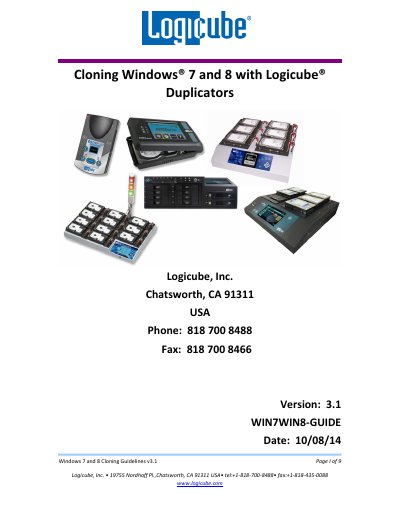
Logicube Windows 7 and 8 Cloning Guidelines
This document explains how to clone Windows 7 and 8 drives using Logicube duplicators like ZClone, SuperSonix, and OmniSAS. It covers cloning modes including Mirror Copy, Clever Copy, Selective Mode, and Master Manager Mode, with specific support for MBR and GPT partitioning schemes. It also details scenarios for different drive sizes and partition configurations, including how to handle recovery and OS partitions. Technical support contact details are provided for further assistance.
Read onlineLogicube 8 Cloning Guidelines specifications
| Supported Operating Systems | Windows 7 and Windows 8 |
|---|---|
| Supported Partitioning Schemes | MBR and GPT |
| Master Drive MBR Max Capacity | 2TB |
| Clever Copy Partition Limit | 3 partitions |
| Master Manager Mode Support | Not supported |
All Logicube 8 Cloning Guidelines documents by type
Day-to-day operation, settings and troubleshooting. Start here if the product is already set up.
Questions answered in these manuals
Which Logicube duplicators support cloning Windows 7 and 8?
ZClone® Xi, ZClone™ SuperSonix®, OmniSAS™, OmniClone® 2Xi, 5Xi, and 10Xi, Echo Plus™.
What partitioning schemes are supported for Windows 7 and 8?
MBR (Master Boot Record) and GPT (GUID Partition Table) partitioning schemes are supported.
Which Logicube products support Windows 7 and 8 cloning?
The products covered are ZClone, ZClone Xi, SuperSonix, OmniSAS, OmniClone 2Xi, 5Xi, 10Xi, and Echo Plus.
Can Clever Copy mode be used with GPT partitioning?
No, GPT partitioning is only supported with the ZClone and ZXi models in Clever Copy mode.