
Key facts
- Brand
- Line 6
- Model
- POD HD500
- Category
- Musical instruments
- Documents
- 2
- Languages
- ZH · EN
- Last added
- 2026-10-17
Start here
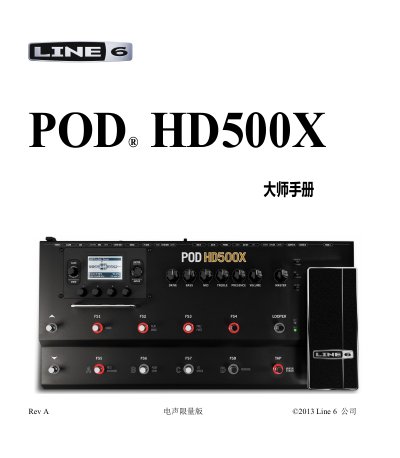
Line 6 POD HD500X Master Manual
This document is the Master Manual for the Line 6 POD HD500X, a digital guitar effects processor. It is intended for users who have already read the basic Introductory Manual and wish to explore advanced features. The guide covers the main interface views, including the Effects Chain, Performance, and Full Screen modes, and explains how to navigate and select presets using the knobs and footswitches.
The manual details the process of editing presets using the onboard controls and the POD HD500X Edit software. It includes instructions for configuring the Tuner, Tap Tempo, and various system settings such as Input/Output options, MIDI/Tempo controls, and Variax guitar tuning. Additionally, it provides information on using the built-in Looper and setting up the device as a USB audio interface or MIDI controller. This manual is written in Chinese.
Line 6 POD HD500 specifications
| Firmware Version | 1.01 or later |
|---|---|
| Compatible Software | POD HD500X Edit |
| Operating Systems | Mac and Windows |
Source: Line 6 POD HD500X Master Manual
All Line 6 POD HD500 documents by type
Day-to-day operation, settings and troubleshooting. Start here if the product is already set up.
Questions answered in these manuals
How do I check if my POD HD500X has the latest firmware?
You must use the Line 6 Monkey software to check your device version.
What is the purpose of the Tap Tempo feature?
It is used to control the time parameters of modulation, filter, and delay effects in real-time.
How do I save changes to a preset on the POD HD500?
Press the SAVE button, use the Multi-Function knobs to rename the preset and select the Set List and preset location, then press SAVE again to complete the save.
From: Line 6 POD HD500 Multi-Effects Processor Pilot's Handbook
What does the MASTER VOLUME knob control?
It controls the overall output level of the POD HD500, including the headphone level, and this setting is global and is not saved with memory locations.
From: Line 6 POD HD500 Multi-Effects Processor Pilot's Handbook