
This manual provides detailed operating instructions for the Line 6 POD HD500X guitar effects processor, covering interface navigation, preset editing, and…
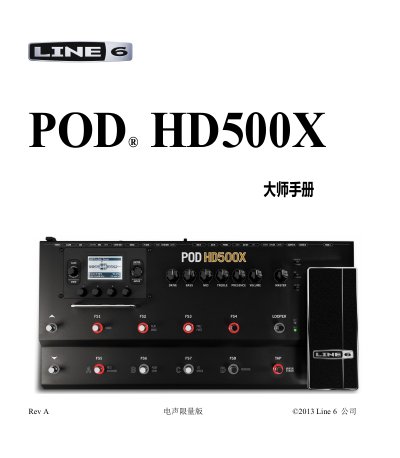
This document is the Master Manual for the Line 6 POD HD500X, a digital guitar effects processor. It is intended for users who have already read the basic Introductory Manual and wish to explore advanced features. The guide covers the main interface views, including the Effects Chain, Performance, and Full Screen modes, and explains how to navigate and select presets using the knobs and footswitches.
The manual details the process of editing presets using the onboard controls and the POD HD500X Edit software. It includes instructions for configuring the Tuner, Tap Tempo, and various system settings such as Input/Output options, MIDI/Tempo controls, and Variax guitar tuning. Additionally, it provides information on using the built-in Looper and setting up the device as a USB audio interface or MIDI controller. This manual is written in Chinese.
| Firmware Version | 1.01 or later |
|---|---|
| Compatible Software | POD HD500X Edit |
| Operating Systems | Mac and Windows |
You must use the Line 6 Monkey software to check your device version.
It is used to control the time parameters of modulation, filter, and delay effects in real-time.
Yes, you can assign footswitches and expression pedals to send MIDI CC, Program Change, or Note information.