
Key facts
- Brand
- KIP
- Model
- 7900
- Category
- Printer
- Industry
- Electronics
- Documents
- 2
- Languages
- EN · ZH
- Last added
- 2026-11-08
Start here
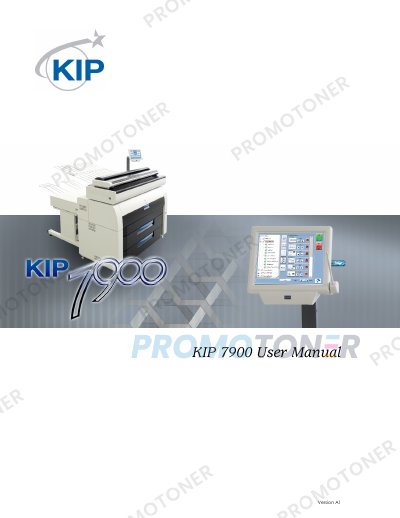
KIP 7900 Printer User Manual
The KIP 7900 is a printer covered by this user manual. It includes safety and compliance information, installation requirements, features, specifications, and appearance details, along with optional configurations and printing media specifications.
The manual also covers basic operations such as turning on and off the KIP 7900, replacing roll media and toner cartridge, placing cut sheet media, canceling sleep mode, dehumidifying roll media, and stacking prints. Error corrections are provided for paper jams, open cover errors, other errors, and call service errors.
KIP 7900 specifications
| Print speed | 160mm per second |
|---|---|
| Resolution | 600dpi |
| Warm up time | Less than 6 minutes |
| Power consumption | Maximum 3,600w |
| Ozone | Less than 0.1ppm (Average) |
Source: KIP 7900 Printer User Manual
All KIP 7900 documents by type
Day-to-day operation, settings and troubleshooting. Start here if the product is already set up.
Questions answered in these manuals
What is the print speed of the KIP 7900?
The print speed is 160mm per second.
How can high‑resolution printing be achieved?
Use high‑resolution hardware and a compatible toner and powder system; the printer must support high‑resolution scanning and processing.
Can the printer operate on 380 V?
No, most high‑speed engineering printers are designed for 220 V power.