
Key facts
- Brand
- Kenwood
- Model
- TK-270G
- Industry
- Industrial
- Documents
- 2
- Languages
- EN
- Last added
- 2012-05-04
Start here
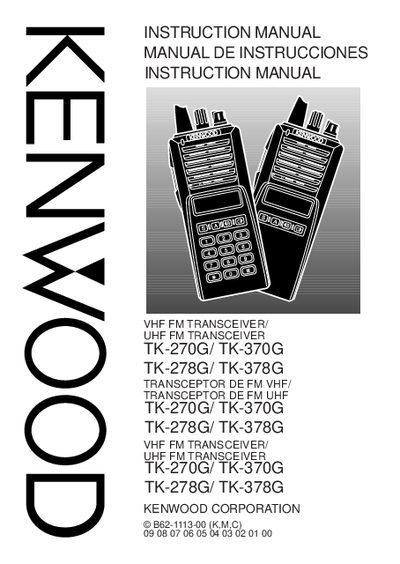
Kenwood TK-270G/ TK-370G / TK-278G/ TK-378G Instruction Manual
This manual provides safety notices, FCC compliance information, and detailed operating instructions for Kenwood TK-270G, TK-370G, TK-278G and TK-378G transceivers. It covers unpacking, accessory identification, battery handling, antenna installation, and basic operation such as power control, volume adjustment, channel selection, and call procedures.
Additional sections describe programmable auxiliary functions, monitoring features, and transmission signal settings. The document also includes FCC warnings, recycling information for Ni‑Cd batteries, and troubleshooting tips for interference and safety hazards.
Kenwood TK-270G specifications
| Frequency band (TK-270G) | VHF FM |
|---|---|
| Frequency band (TK-370G) | UHF FM |
| FCC classification | Class B digital device |
Source: Kenwood TK-270G/ TK-370G / TK-278G/ TK-378G Instruction Manual
All Kenwood TK-270G documents by type
Day-to-day operation, settings and troubleshooting. Start here if the product is already set up.
Questions answered in these manuals
What type of transceiver is the TK-270G?
The TK-270G is a VHF FM transceiver.
From: Kenwood TK-270G/ TK-370G / TK-278G/ TK-378G Instruction Manual
How do you activate the Monitor function?
Press and hold the Monitor key to hear background noise, or press it momentarily to toggle the function.
From: Kenwood TK-270G/ TK-370G / TK-278G/ TK-378G Instruction Manual
What should I do if the transceiver emits an abnormal odor or smoke?
Turn off the power immediately, remove the optional battery pack, and contact your Kenwood dealer.
From: Kenwood TK-270G / TK-370G VHF/FM Transceiver User Manual
How can I toggle the display backlight on or off?
Press the key programmed as Lamp; the backlight stays on for about 5 seconds and then turns off automatically.
From: Kenwood TK-270G / TK-370G VHF/FM Transceiver User Manual