
Key facts
- Brand
- Kawai
- Model
- Q-80
- Category
- Other Electronics
- Industry
- Computers
- Documents
- 2
- Languages
- EN
- Last added
- 2012-08-10
Start here
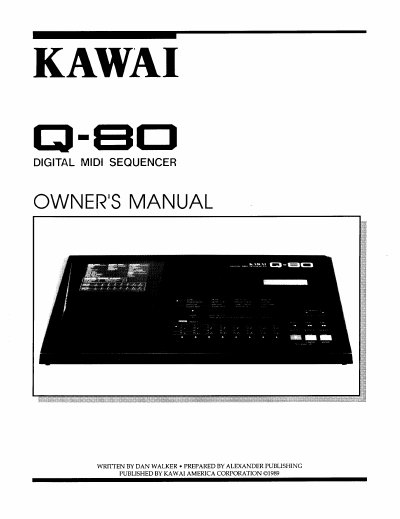
Kawai Q-80 Digital MIDI Sequencer Owner's Manual
This document is the Owner's Manual for the Kawai Q-80 Digital MIDI Sequencer. It provides detailed instructions on the physical environment, front and rear panel connections, and operational settings. The guide explains how to set up the device for recording and playback, including audio and MIDI connections.
Read onlineKawai Q-80 specifications
| Internal Memory Capacity | Up to 52,000 notes |
|---|---|
| MIDI File Compatibility | Standard MIDI Files Format 0/1 |
| MIDI Channels | Up to 32 channels |
| Realtime Recording Polyphony | 32 notes |
| Step Recording Capacity | Up to 1,200 notes |
| SYSTEM EXCLUSIVE Recording Limit | 10Mbyte |
All Kawai Q-80 documents by type
Day-to-day operation, settings and troubleshooting. Start here if the product is already set up.
Questions answered in these manuals
What is the difference between Q-80EX and Q-80?
The Q-80EX is an upgraded model with expanded internal memory, Standard MIDI File compatibility, and up to 32 controllable channels.
Can I use the 'MOVE' command in BAR EDIT mode?
No, the Q-80EX is not equipped with the 'MOVE' command available on the Q-80.
What steps should a user take if the sequencer causes interference with radio communications?
The user should reorient the receiving antenna, move the receiver away from the instrument, plug the instrument into a different outlet so that it and the receiver are on different branch circuits, or consult the dealer or a qualified service personnel.
What is the recommended procedure if the equipment causes interference to radio or related equipment?
The user is encouraged to try correcting the interference by one or more of the following measures: reorient the receiving antenna, move the receiver away from the instrument, plug the instrument into a different outlet so that it and receiver are on different branch circuits, or consult the dealer or a qualified service personnel.