
Key facts
- Brand
- Kawai
- Model
- CN4
- Category
- Musical instruments
- Industry
- Appliances
- Documents
- 4
- Languages
- EN · JA
- Last added
- 2012-08-10
Start here
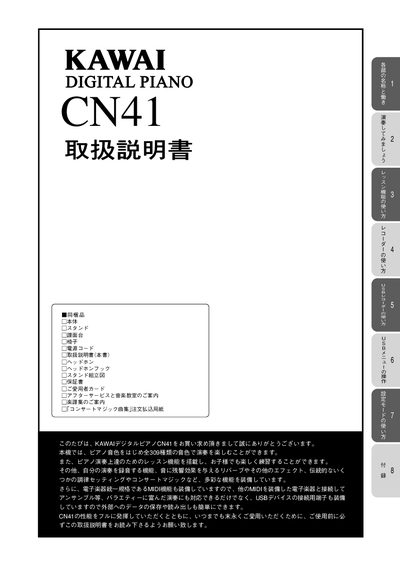
Kawai CN41 Digital Piano Operating Instructions
This operating manual thanks the owner for purchasing the Kawai CN41 digital piano and provides important safety warnings, assembly instructions, and warranty information. It emphasizes proper handling to avoid electric shock, fire, or damage to the instrument.
The guide then details how to power on the piano, select tones, use dual and split play modes, apply reverb and other effects, adjust the touch curve, and operate the metronome. It also covers the lesson function, recorder, USB menu, and connections such as MIDI and USB, helping users make full use of the piano’s 309 built‑in sounds and recording capabilities. This manual is written in Japanese.
All Kawai CN4 documents by type
Day-to-day operation, settings and troubleshooting. Start here if the product is already set up.
Questions answered in these manuals
What is the Kawai CN470 Digital Piano intended for?
This digital piano is designed for household use and is not intended for commercial use.
What voltage is required to power the Kawai CN470 Digital Piano?
The product must be connected to an AC outlet with the correct power voltage of 120V, 230V, or 240V.
How do I turn the power on?
Press the POWER (電源スイッチ) button to turn the piano on.
How do I enable the metronome?
Press the METRONOME button to turn the metronome on.