
Key facts
- Brand
- Juniper Networks
- Model
- NetScreen-5GT
- Category
- Network Tools
- Industry
- Computers
- Documents
- 2
- Languages
- EN
- Last added
- 2023-02-24
Start here
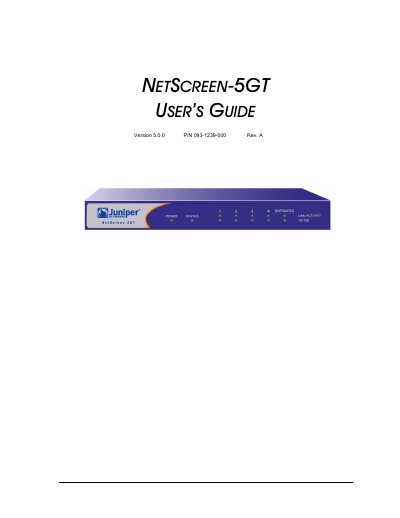
Juniper Networks NetScreen-5GT User's Guide
This document serves as a user's guide for the Juniper Networks NetScreen-5GT, a device designed to provide IPSec VPN and firewall services. It is suitable for use in broadband telecommuter setups, branch offices, or retail outlets. The guide details the necessary steps for connecting the device and configuring it for operation.
The manual includes specific information on hardware descriptions and the operational procedures required to set up the NetScreen-5GT. It also contains important legal and compliance information, including FCC statements for Class A and Class B digital devices and a disclaimer regarding the software license and limited warranty.
All Juniper Networks NetScreen-5GT documents by type
Day-to-day operation, settings and troubleshooting. Start here if the product is already set up.
Questions answered in these manuals
What steps should be taken if harmful interference occurs?
Users are encouraged to reorient the antenna, increase separation from the receiver, consult a technician, or connect equipment to a different circuit.
What type of device does this FCC statement cover?
This equipment is tested and found to comply with the limits for a Class A digital device.
What type of device is the NetScreen-5GT?
The equipment has been tested and found to comply with the limits for a Class A digital device.
What happens if the NetScreen-5GT is not installed according to instructions?
If it is not installed in accordance with NetScreen's installation instructions, it may cause interference with radio and television reception.