
This document is the user manual for CK31 Handheld Computer, providing information on operating and servicing the equipment. The information and specifications in the document are subject to change and do not represent a commitment from Intermec Technologies Corporation.
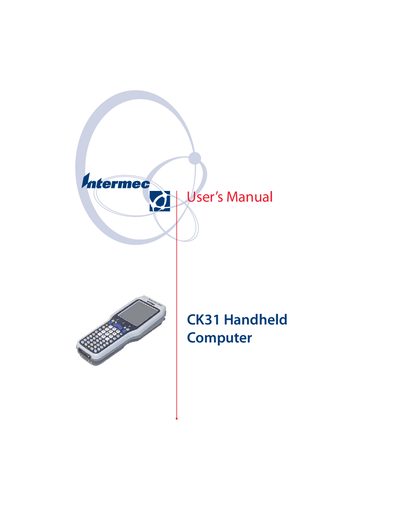
This manual explains how to use, configure, and service the Intermec CK31 handheld computer. It covers hardware components such as the battery, keypad, touch screen, and various scanner options, as well as software features like networking, security, and application installation.
Additional sections detail diagnostics, troubleshooting, and warranty information, helping users maintain optimal performance and resolve common issues.
| Battery | Removable rechargeable |
|---|---|
| Bluetooth printing support | Yes |
| Standard range laser scanner | Available |
| Long range laser scanner | Available |
| Wi‑Fi (802.11b/g) | Supported |
Refer to the 'Using the Battery' section for charging and installing the battery.
Use the Intermec Settings to configure 802.11b/g radio communications as described in the manual.
Install applications using ActiveSync by following the steps in the 'Installing Applications Using ActiveSync' section.
Select the appropriate scanner option and follow the instructions in the 'Scanning Bar Codes' chapter.