
Key facts
- Brand
- IBM
- Model
- TRIRIGA 12
- Category
- Other
- Industry
- Electronics
- Documents
- 2
- Languages
- EN
- Last added
- 2023-12-02
Start here
IBM TRIRIGA 12 Troubleshooting Guide
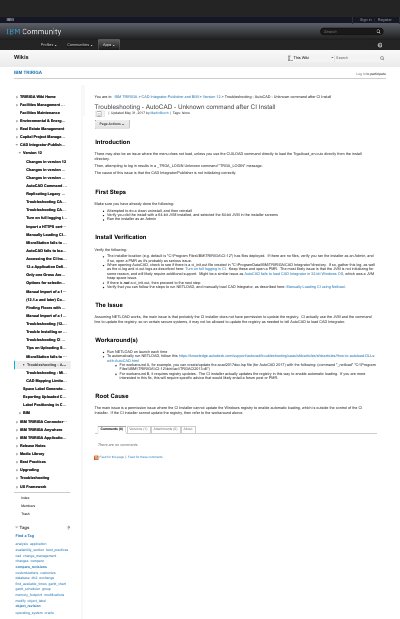
This document addresses troubleshooting for IBM TRIRIGA 12, specifically issues with AutoCAD integration. Common problems include missing menus and unknown commands after installation. Solutions involve verifying JVM installation, checking logs, and using NETLOAD to manually load the CAD Integrator. Permission issues with Windows registry updates may require workarounds or support.
The guide also covers verifying installation, checking for error logs, and troubleshooting registry access problems that prevent automatic CAD Integrator loading.
All IBM TRIRIGA 12 documents by type
Day-to-day operation, settings and troubleshooting. Start here if the product is already set up.
Questions answered in these manuals
What causes the 'TRGA_LOGIN Unknown command' error?
The CAD Integrator/Publisher is not initializing correctly.
How can I manually load CAD Integrator?
Use the NETLOAD command to load TRGACI2013.dll from the install directory.
How do I enable full logging in the CI.log file?
Open <Install Directory>\config\log4j.xml, change the Threshold from INFO to DEBUG, and update the IBM TRIRIGA CI category priority from INFO to DEBUG.
From: IBM TRIRIGA 12 CAD Integrator-Publisher and BIM Version 12 Manual
How do I enable the ci.out log for troubleshooting?
Open <Install Directory>\config\ci.properties and set the LOG_PLUGIN_BRIDGE_TO_CI_OUT property to "Y". Set it back to "N" after use to avoid excessive logging.
From: IBM TRIRIGA 12 CAD Integrator-Publisher and BIM Version 12 Manual