
Key facts
- Brand
- Genelec
- Model
- 8030C
- Category
- Home Speakers
- Documents
- 2
- Languages
- EN
- Last added
- 2026-10-25
Start here
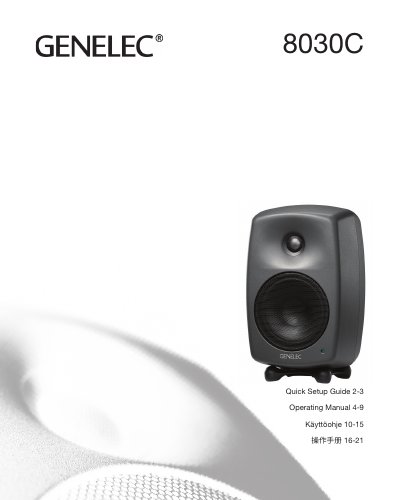
Genelec 8030C Active Monitoring System Quick Setup Guide
The document serves as a quick setup guide for the Genelec 8030C bi-amplified active monitoring loudspeaker. It details optimal speaker placement strategies, including symmetry and acoustic axis alignment, to minimize reflections and ensure accurate sound reproduction in various environments like near-field or console bridge setups.
Key operational instructions cover connecting audio cables via balanced XLR inputs, utilizing the ISS (Intelligent Signal Sensing) automatic power-saving feature, and adjusting rear-panel tone controls such as Desktop, Treble Tilt, Bass Roll-Off, and Bass Tilt to match specific acoustic conditions.
Genelec 8030C specifications
| Product Type | Bi-amplified two way active monitoring loudspeaker |
|---|---|
| Power Consumption (Standby) | Less than 0.5 watts |
| Input Connector | 10 kOhm balanced female XLR |
Source: Genelec 8030C Active Monitoring System Quick Setup Guide
All Genelec 8030C documents by type
The shortest path to a working setup, usually only a few pages.
Questions answered in these manuals
What is the factory setting for all tone controls?
The factory setting for all tone controls is 'OFF' to give a flat anechoic response.
From: Genelec 8030C Active Monitoring System Quick Setup Guide
Can the ISS function be disabled?
Yes, it can be disabled by setting the 'ISS' switch on the back panel to 'OFF'.
From: Genelec 8030C Active Monitoring System Quick Setup Guide
How can an unbalanced source be connected to the 8030C?
Ground pin 3 to pin 1 at the unbalanced source connector.
From: Genelec 8030C Active Monitoring System Quick Setup Guide
What does the ISS autostart function do?
It powers the monitor down to standby after playback ends and resumes playback when an input signal is detected; it can be disabled with the ISS switch.
From: Genelec 8030C Active Monitoring System Quick Setup Guide