
Key facts
- Brand
- FujiFilm
- Model
- FinePix J10
- Category
- Other device
- Documents
- 2
- Languages
- EN · ZH
- Last added
- 2012-05-04
Start here
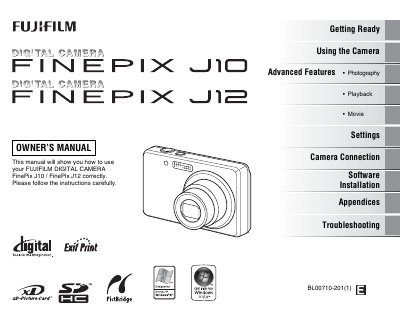
Fujifilm FinePix J10/J12 Owner's Manual
This manual guides you through getting ready with the FinePix J10/J12, including battery charging, memory‑card loading, and basic shooting modes. It then covers using the camera, advanced photography functions, playback, movie recording, and menu navigation.
Additional sections explain camera connections to TV and printer, software installation for Windows and macOS, troubleshooting tips, and technical specifications such as supported memory cards and regulatory compliance.
FujiFilm FinePix J10 specifications
| Display size (J100/J110w) | 2.7 inches |
|---|---|
| Display size (J120/J150w) | 3.0 inches |
| Display resolution | 230,000 dots |
| Battery voltage | 3.7 V DC |
| Dimensions | 92 mm × 57.9 mm × 22.6 mm |
| Weight (J100/J110w) | ≈141 g |
| Weight (J120/J150w) | ≈146 g |
Source: Fujifilm FinePix J100, J110w, J120, J150w Digital Camera User Manual
All FujiFilm FinePix J10 documents by type
Day-to-day operation, settings and troubleshooting. Start here if the product is already set up.
Questions answered in these manuals
How do I set the camera clock?
The manual explains how to set the date and time on the camera; see the Q&A entry for setting the camera clock.
From: Fujifilm FinePix J100, J110w, J120, J150w Digital Camera User Manual
How can I check the remaining battery charge?
The battery status can be viewed on the camera’s display, showing the remaining charge level.
From: Fujifilm FinePix J100, J110w, J120, J150w Digital Camera User Manual