
Key facts
- Brand
- FujiFilm
- Model
- FinePix Z10
- Documents
- 3
- Languages
- ZH · JA
- Last added
- 2012-05-04
Start here
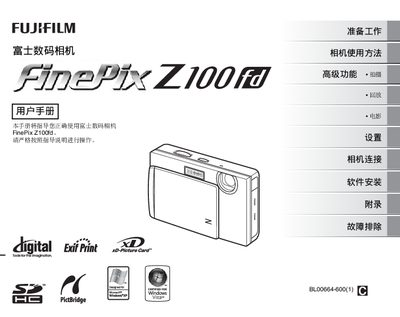
FUJIFILM FINEPIX Z100digital camera user manual
This manual covers all essential functions of the FinePix Z100fd, including camera operation, LCD display information, shooting modes, playback features, and memory‑card handling. It also explains how to connect the camera to a printer via PictBridge and provides detailed installation procedures for Windows and Mac OS X.
Additional sections address safety information, technical specifications, and a comprehensive troubleshooting guide. The document includes instructions for using the FinePixViewer software and outlines the supported memory cards (xD‑Picture Card, SD, and SDHC). This manual is written in Chinese.
All FujiFilm FinePix Z10 documents by type
Day-to-day operation, settings and troubleshooting. Start here if the product is already set up.
Questions answered in these manuals
How can the camera be connected to a printer?
Use the PictBridge function to connect the camera to a printer via USB.
What types of memory cards can be used with the FinePix Z10?
The camera supports xD‑Picture Card, SD, and SDHC memory cards.
How can I print photos directly from the FinePix Z10?
Use the PictBridge function to connect the camera to a compatible printer.