
Key facts
- Brand
- Fortinet
- Model
- FortiGate 100D
- Category
- Other Electronics
- Documents
- 2
- Languages
- EN
- Last added
- 2023-11-06
Start here
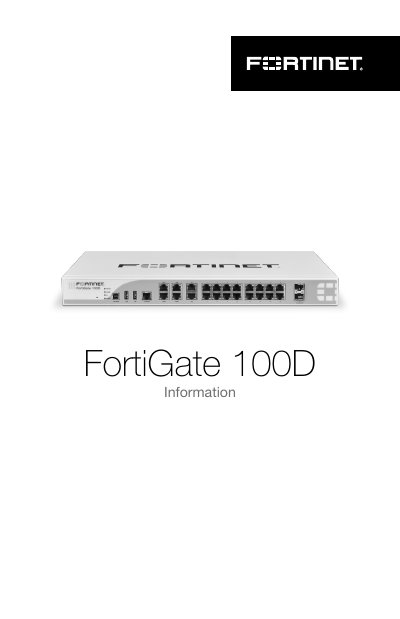
Fortinet FortiGate 100D Firewall Quick Start Guide
The Fortinet FortiGate 100D Quick Start Guide describes the contents of the product box, including power, USB, Ethernet, and console cables, rack-mount brackets, screws, and rubber feet. It also explains the front-panel ports and status indicators for the FortiGate 100D firewall.
The guide provides instructions for rack mounting and desktop installation, along with environmental specifications, cautions and warnings, and regulatory notices for regions including the USA, Canada, EU, Japan, Taiwan, China, Brazil, and Korea.
Fortinet FortiGate 100D specifications
| Ambient operating temperature | 0C to 40C |
|---|---|
| Power input | 100-240V AC, 50-60Hz, 3-1.5A |
| Ethernet ports | Switched Gigabit Ethernet ports for connection |
| SFP ports | SFP Ports 15 & 16 (SFP) 1 Gbps |
| Default MGMT IP address | 192.168.1.99 |
| Required clearance | at least 1.5in (3.8cm) of clearance on all sides |
All Fortinet FortiGate 100D documents by type
The shortest path to a working setup, usually only a few pages.
Questions answered in these manuals
What is included in the FortiGate 100D box?
The box includes a power cable, USB cable, Ethernet cable, console cable, two rack mount brackets, eight bracket screws, and four rubber feet.
What is the default IP address for the MGMT port?
The default IP address is 192.168.1.99.
What does the FortiGate 100D unit require to be installed on a flat surface?
It requires a clean, level, stable surface with at least 1.5 inches (3.5cm) of clearance on all sides.
What is the minimum operating system required to install FortiExplorer?
Microsoft Windows XP, Vista, and 7, or Mac OS 10.6 and higher.