
Key facts
- Brand
- FLIR
- Model
- TG165
- Category
- Other Electronics
- Documents
- 3
- Languages
- EN · ZH
- Last added
- 2023-10-21
Start here
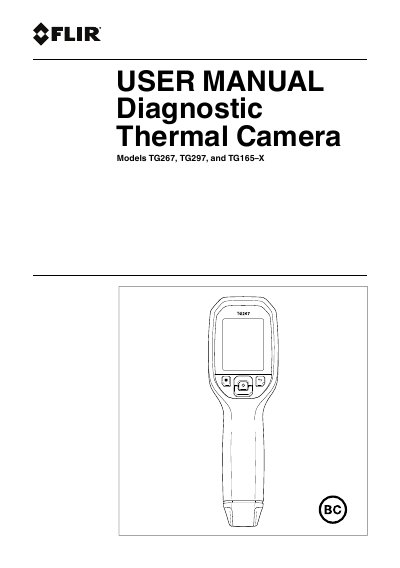
FLIR TG267, TG297, TG165-X Diagnostic Thermal Camera User Manual
This manual provides instructions for the FLIR TG267, TG297, and TG165-X Diagnostic Thermal Cameras. These devices combine non-contact temperature measurement and thermal imaging to help identify heat-related problems. The TG267 model includes Type-K thermocouple contact measurements, while the TG297 offers a high-temperature range up to 1886°F (1030°C).
Read onlineFLIR TG165 specifications
| Thermal Imaging System | 60 x 80 pixel |
|---|---|
| Distance-To-Spot Ratio | 24:1 |
| Emissivity Range | 0.10 to 0.99 |
| Warranty | 2 year/10 year Limited Warranty |
All FLIR TG165 documents by type
Day-to-day operation, settings and troubleshooting. Start here if the product is already set up.
Questions answered in these manuals
How do I power on the TG165?
Press and hold the Power button for more than 2 seconds to power ON the device.
How do I save an image?
Press the OK/MENU button to save the image when prompted after capturing it.
What is the temperature range for the TG297?
The TG297 measures from -13°F to +1886°F (-25°C to +1030°C).
From: FLIR TG267, TG297, TG165-X Diagnostic Thermal Camera User Manual
How do I activate the extended warranty?
You must register your product at https://support.flir.com/prodreg within 60 days of purchase.
From: FLIR TG267, TG297, TG165-X Diagnostic Thermal Camera User Manual
What is the measurement distance-to-spot ratio for the FLIR TG165?
The device has a distance-to-spot ratio of 24:1, meaning at 24 inches the measurement spot is 1 inch in diameter.
How long must you hold the power button to turn on the device?
You must press and hold the power button for more than 2 seconds to turn on the TG165.