
Key facts
- Brand
- EX-F1
- Model
- EX-F1
- Category
- Digital cameras
- Documents
- 2
- Languages
- EN · ZH
- Last added
- 2012-06-05
Start here
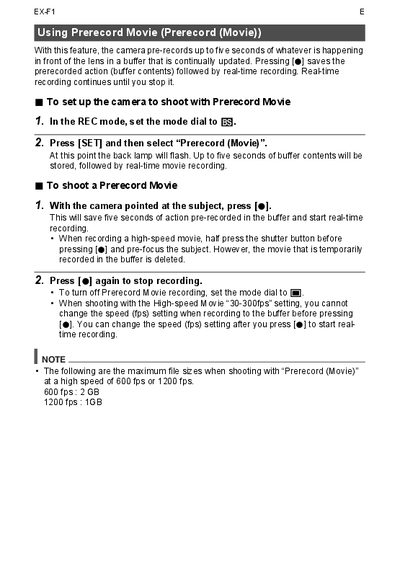
Panasonic LUMIX DMC-EXF1 Prerecord Movie Guide
This document explains how to use the Prerecord Movie (Prerecord) feature on the camera. This function allows the device to store up to five seconds of video in a buffer, which is then saved immediately when the user presses the record button.
To utilize this feature, users must first set the mode dial to EQ and select 'Prerecord (Movie)' via the SET menu. When shooting, pressing the record button saves the buffered content followed by real-time recording. The guide also notes specific behaviors regarding high-speed movie settings and file size limits at 600 fps and 1200 fps.
All EX-F1 documents by type
Day-to-day operation, settings and troubleshooting. Start here if the product is already set up.
Questions answered in these manuals
How much video does the buffer store before real-time recording starts?
The camera stores up to five seconds of prerecorded action in a buffer.
What is the maximum file size when shooting at 600 fps?
The maximum file size is 2 GB when shooting at a high speed of 600 fps.
What frame rates are available for high‑speed recording?
You can record at 600 fps with a 2 GB buffer or at 1200 fps with a 1 GB buffer.
From: EX-F1 Camera User Manual