
Key facts
- Manuals
- 2
- Models
- 1
- Categories
- 1
- Languages
- ZH
- Last added
- 2012-06-05
EX-F1 models by category
Featured EX-F1 manuals
EX-F1 Camera User Manual
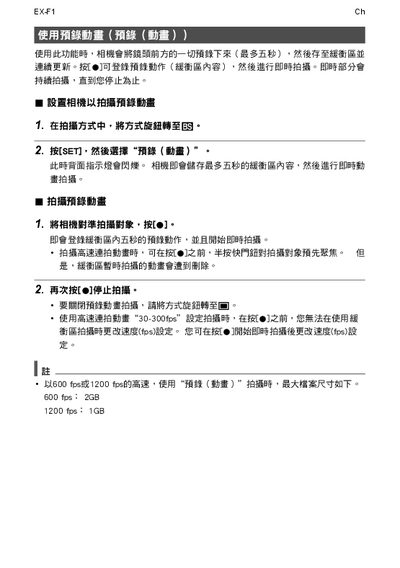
This manual describes the pre‑record function of the EX‑F1 camera, which captures up to five seconds of video into a buffer before saving. It explains how to start and stop recording, register the buffered content, and perform real‑time playback.
The guide also covers high‑speed recording settings, allowing frame rates of 600 fps (with a 2 GB buffer) or 1200 fps (with a 1 GB buffer). It notes that the buffer size cannot be changed while recording and provides instructions for adjusting the fps setting before or after starting the capture. This manual is written in Chinese.
Covers: 使用此功能時 · 画 設置相機以拍撮預録動書 · 2. 抜[SET]
Latest EX-F1 manuals
EX-F1 Prerecord Movie
EX-F1 E With this feature, the camera pre-records up to five seconds of whatever is happening in front of the lens in a buffer that is continually updated. Pressing [0] saves the prerecorded action (buffer contents) followed by real-time recording. Real-time recording continues until you stop it.
EX-F1 Camera User Manual
User Manual 1 pages · 84 KB · ZHThe EX-F1 camera user manual explains how to record short video clips, adjust frame rates, and operate real‑time capture functions.
Which document do I need?
User Manual
Day-to-day operation, settings and troubleshooting. Start here if the product is already set up.
Questions answered in EX-F1 manuals
What frame rates are available for high‑speed recording?
You can record at 600 fps with a 2 GB buffer or at 1200 fps with a 1 GB buffer.
From: EX-F1 Camera User Manual